

GUIDE
Steam Family Sharing Guide — Share Games With Family & Friends (2026)
About this guide
Learn how to set up Steam Families to share your library with 5 members. Free, with separate saves and achievements. Step-by-step guide.
1 min readReading time
BeginnerDifficulty
UpdatedAug 13, 2026
Share Your Steam Library for Free
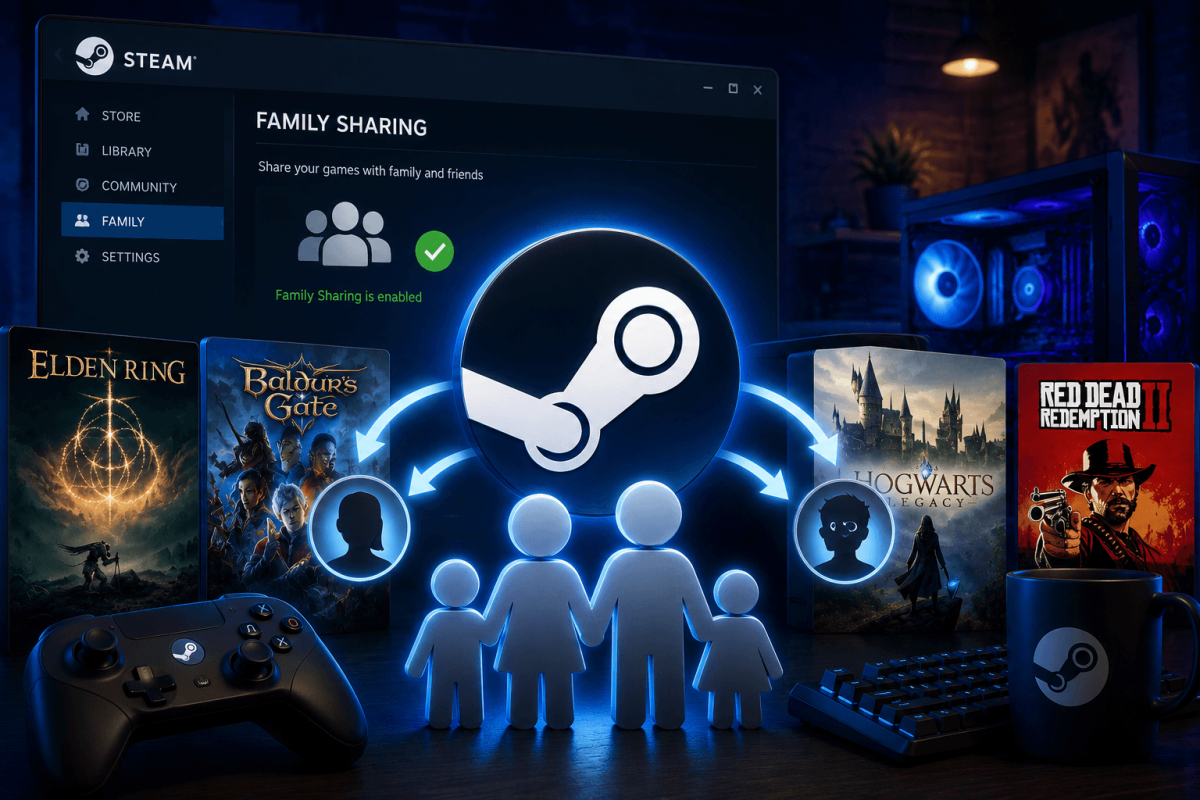
Steam Families (formerly Family Sharing) lets you share your entire library with up to 5 family members. They can play your games on their own accounts with their own saves, achievements and progress — completely free.
📋 How to Set Up Steam Families
- Open Steam → Settings → Family
- Click "Manage your Steam Family"
- Invite family members by sending a Steam invite link
- They accept the invite on their account
- Your entire library becomes available in their library (marked as "Family" games)
⚠️ Limitations
- Only one person can play a shared game at a time. If you start playing, the borrower gets kicked (with a 5-minute warning).
- Some games don't support sharing — games requiring third-party keys or subscriptions.
- VAC bans — if a borrower gets VAC banned in a shared game, YOUR account can also receive restrictions.
- DLC is shared along with the base game.
📖 More Tutorials
Bookmark Guide
Bookmark this page and check back regularly. We update our guides to keep them accurate and up to date.