

GUIDE
Guide Steam Family Sharing — Partagez des jeux avec votre famille et vos amis (2026)
À propos
Learn how to set up Steam Families to share your library with 5 members. Free, with separate saves and achievements. Step-by-step guide.
1 min de lectureReading time
DébutantDifficulty
Mis à jourAug 13, 2026
Partagez votre bibliothèque Steam gratuitement
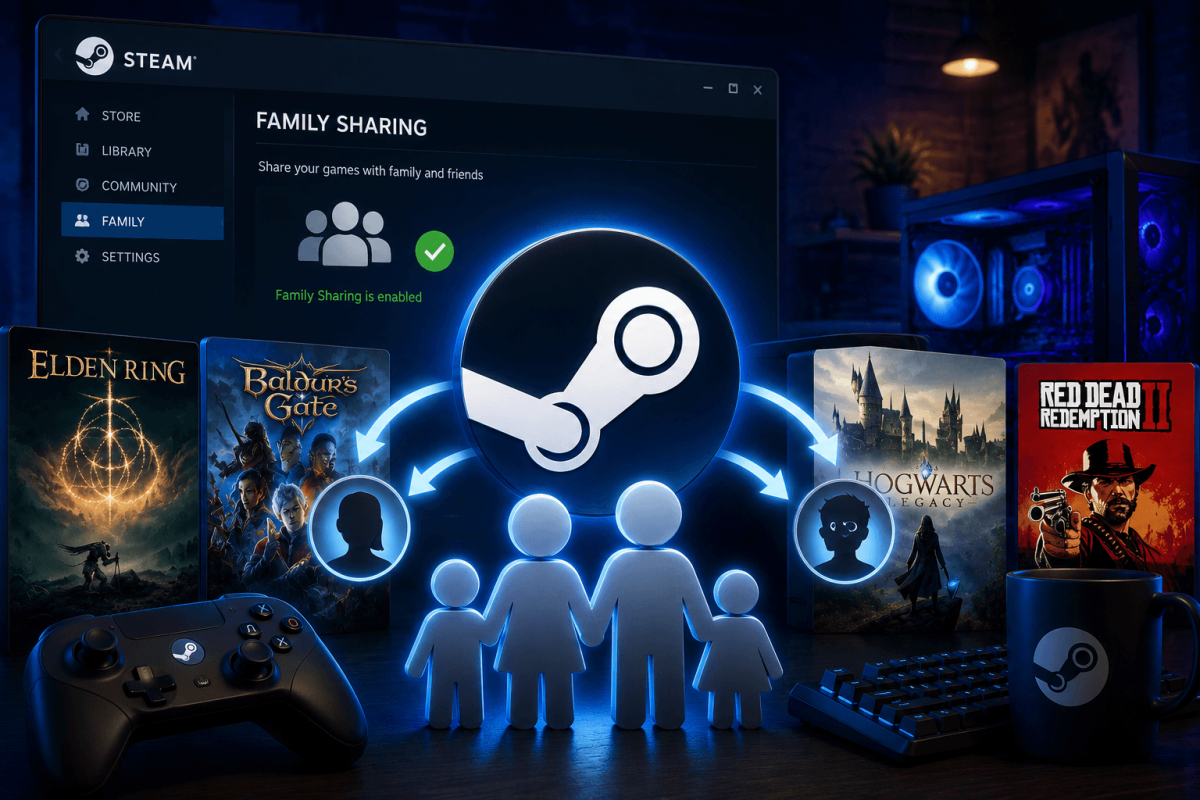
Steam Families (anciennement Family Sharing) vous permet de partager toute votre bibliothèque avec jusqu'à 5 membres de votre famille. Ils peuvent jouer à vos jeux sur leurs propres comptes avec leurs propres sauvegardes, succès et progression — entièrement gratuitement.
📋 Comment configurer Steam Families
- Ouvrez Steam → Paramètres → Famille
- Cliquez sur "Gérer votre famille Steam"
- Invitez les membres de votre famille en envoyant un lien d'invitation Steam
- Ils acceptent l'invitation sur leur compte
- Toute votre bibliothèque devient disponible dans la leur (marquée comme jeux "Famille")
⚠️ Limitations
- Une seule personne peut jouer à un jeu partagé à la fois. Si vous commencez à jouer, l'emprunteur est expulsé (avec un avertissement de 5 minutes).
- Certains jeux ne prennent pas en charge le partage — les jeux nécessitant des clés tierces ou des abonnements.
- Bans VAC — si un emprunteur reçoit un ban VAC dans un jeu partagé, VOTRE compte peut également recevoir des restrictions.
- Les DLC sont partagés avec le jeu de base.
📖 Plus de tutoriels
Enregistrer
Ajoutez cette page aux favoris. Nous mettons régulièrement à jour nos guides.