

GUIDE
How to Activate a Steam Key Without the App — Browser & Mobile Method (2026)
About this guide
Learn how to redeem Steam keys without the desktop app using any browser or mobile device. Quick steps, no install needed. Works in 2026.
2 min readReading time
BeginnerDifficulty
UpdatedAug 13, 2026
Redeem Steam Keys From Anywhere
You don't need the Steam desktop client to activate a game key. Whether you're on your phone, at work, or on a computer without Steam installed, you can redeem keys directly through your web browser. The game will appear in your library instantly and start downloading when you next open Steam.
📱 Method 1 — Steam Website (Phone or Any Browser)
- Open any browser (Chrome, Safari, Firefox — even on your phone)
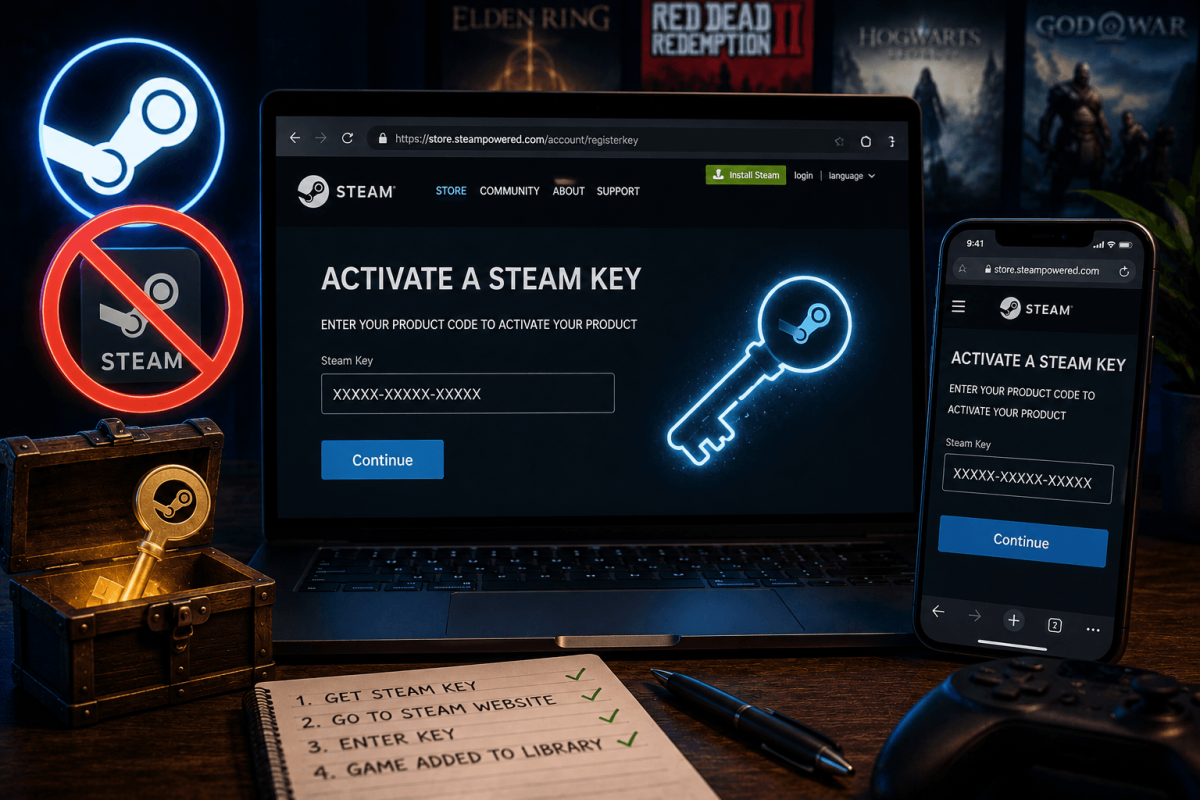
- Go to: store.steampowered.com/account/registerkey
- Log in with your Steam account (email + password + Steam Guard code)
- Paste or type your product key in the box (format: XXXXX-XXXXX-XXXXX)
- Click "Continue"
- Accept the subscriber agreement
- Done — the game is now in your Steam library
💡 Bookmark this URL on your phone: store.steampowered.com/account/registerkey — you'll use it every time you buy a key from a third-party store.
📱 Method 2 — Steam Mobile App
- Open the Steam mobile app (iOS or Android)
- Tap the menu (☰) → tap Store
- Scroll down or search for "Activate a Product"
- Enter your key and confirm
❓ Common Issues
- "Invalid product code" — check for typos, extra spaces, or missing dashes. Keys are always in XXXXX-XXXXX-XXXXX format.
- "Already owned" — you already have this game on your account. Keys cannot be used twice.
- "Region locked" — some keys are restricted to specific countries. Contact the seller for a region-appropriate key.
- "Too many activation attempts" — Steam rate-limits key activations. Wait 1 hour and try again.
📖 More Steam Tutorials
Bookmark Guide
Bookmark this page and check back regularly. We update our guides to keep them accurate and up to date.