

دليل
دليل Steam Family Sharing — شارك الألعاب مع العائلة والأصدقاء (2026)
حول هذا الدليل
Learn how to set up Steam Families to share your library with 5 members. Free, with separate saves and achievements. Step-by-step guide.
1 دقيقة قراءةReading time
مبتدئDifficulty
محدّثAug 13, 2026
شارك مكتبة Steam الخاصة بك مجانًا
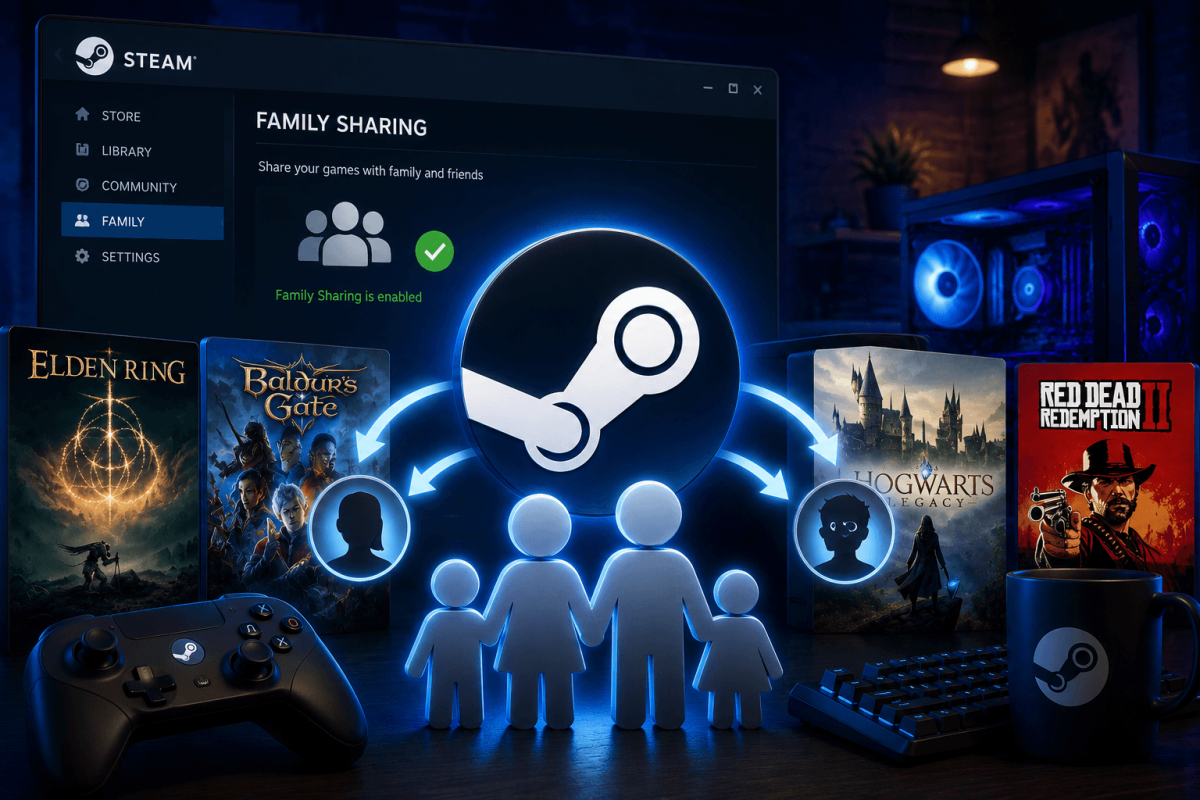
تتيح لك Steam Families (المعروفة سابقًا باسم Family Sharing) مشاركة مكتبتك بالكامل مع ما يصل إلى 5 أفراد من العائلة. يمكنهم لعب ألعابك على حساباتهم الخاصة مع حفظاتهم وإنجازاتهم وتقدمهم الخاص — مجانًا تمامًا.
📋 كيفية إعداد Steam Families
- افتح Steam ← الإعدادات ← العائلة
- انقر على "إدارة عائلة Steam الخاصة بك"
- ادعُ أفراد العائلة عن طريق إرسال رابط دعوة Steam
- يقبلون الدعوة على حساباتهم
- تصبح مكتبتك بالكامل متاحة في مكتبتهم (مميزة كألعاب "العائلة")
⚠️ القيود
- يمكن لشخص واحد فقط اللعب في لعبة مشتركة في نفس الوقت. إذا بدأت اللعب، يتم طرد المستعير (مع تحذير قبل 5 دقائق).
- بعض الألعاب لا تدعم المشاركة — الألعاب التي تتطلب مفاتيح خارجية أو اشتراكات.
- حظر VAC — إذا حصل المستعير على حظر VAC في لعبة مشتركة، فقد يتعرض حسابك أيضًا لقيود.
- يتم مشاركة المحتوى الإضافي (DLC) مع اللعبة الأساسية.
📖 المزيد من الدروس
حفظ الدليل
احفظ هذه الصفحة وتحقق منها بانتظام. نقوم بتحديث أدلتنا باستمرار.