

GUIDE
Comment Activer une Clé Steam Sans l'Application — Méthode Navigateur & Mobile (2026)
À propos
Learn how to redeem Steam keys without the desktop app using any browser or mobile device. Quick steps, no install needed. Works in 2026.
2 min de lectureReading time
DébutantDifficulty
Mis à jourAug 13, 2026
Échangez vos Clés Steam de N'Importe Où
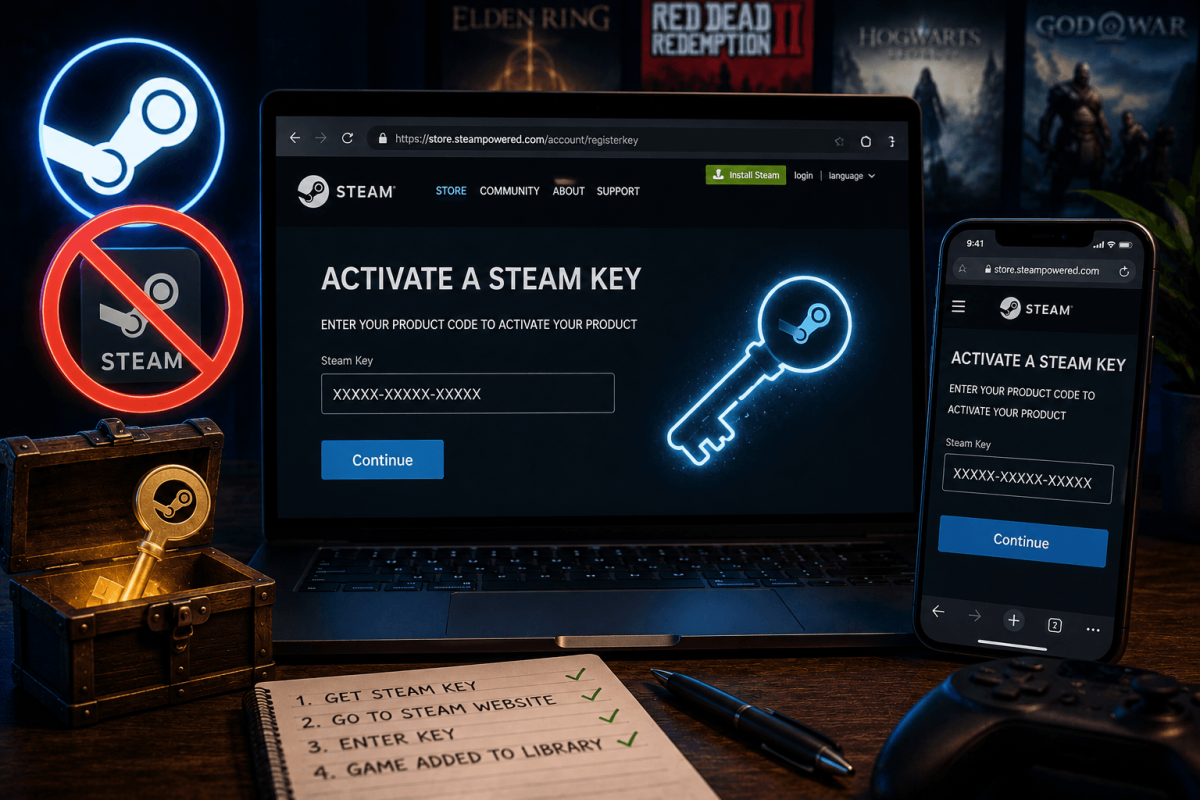
Vous n'avez pas besoin du client Steam pour activer une clé de jeu. Que vous soyez sur votre téléphone, au travail, ou sur un ordinateur sans Steam installé, vous pouvez échanger vos clés directement via votre navigateur web. Le jeu apparaîtra instantanément dans votre bibliothèque et commencera à se télécharger la prochaine fois que vous ouvrirez Steam.
📱 Méthode 1 — Site Web Steam (Téléphone ou Tout Navigateur)
- Ouvrez n'importe quel navigateur (Chrome, Safari, Firefox — même sur votre téléphone)
- Allez sur : store.steampowered.com/account/registerkey
- Connectez-vous avec votre compte Steam (email + mot de passe + code Steam Guard)
- Collez ou tapez votre clé produit dans la case (format : XXXXX-XXXXX-XXXXX)
- Cliquez sur "Continuer"
- Acceptez l'accord d'abonnement
- Terminé — le jeu est maintenant dans votre bibliothèque Steam
💡 Ajoutez cette URL à vos favoris sur votre téléphone : store.steampowered.com/account/registerkey — vous l'utiliserez à chaque fois que vous achetez une clé sur une boutique tierce.
📱 Méthode 2 — Application Mobile Steam
- Ouvrez l'application mobile Steam (iOS ou Android)
- Appuyez sur le menu (☰) → appuyez sur Boutique
- Faites défiler ou recherchez "Activer un produit"
- Entrez votre clé et confirmez
❓ Problèmes Courants
- "Code produit invalide" — vérifiez les fautes de frappe, les espaces supplémentaires ou les tirets manquants. Les clés sont toujours au format XXXXX-XXXXX-XXXXX.
- "Déjà possédé" — vous avez déjà ce jeu sur votre compte. Les clés ne peuvent pas être utilisées deux fois.
- "Verrouillage régional" — certaines clés sont restreintes à des pays spécifiques. Contactez le vendeur pour une clé adaptée à votre région.
- "Trop de tentatives d'activation" — Steam limite le taux d'activations de clés. Attendez 1 heure et réessayez.
📖 Plus de Tutoriels Steam
Enregistrer
Ajoutez cette page aux favoris. Nous mettons régulièrement à jour nos guides.