

GUIDE
How to Appear Offline on Steam — Play Without Friends Knowing (2026)
About this guide
Learn how to appear offline on Steam in 2026. Use Invisible mode to play games and chat without friends knowing. Simple step-by-step guide.
1 min readReading time
BeginnerDifficulty
UpdatedAug 13, 2026
Play in Peace
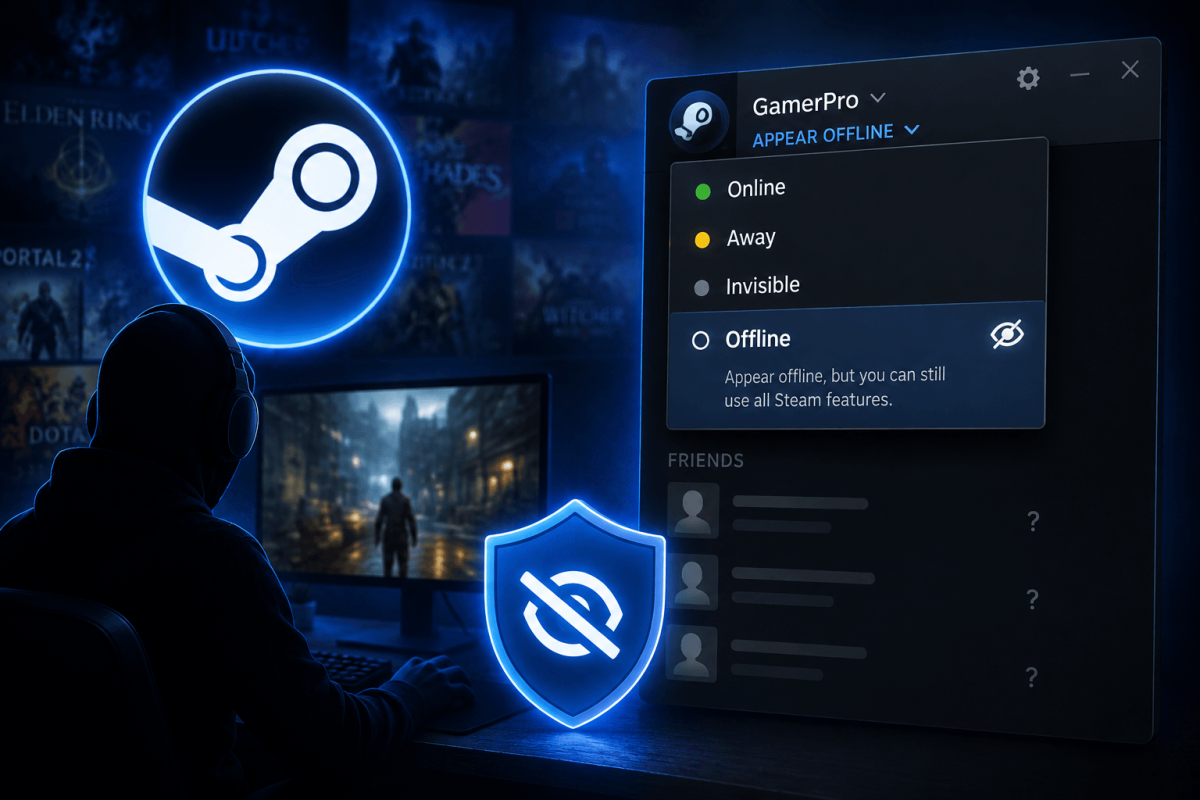
Sometimes you just want to play without friends messaging you or seeing what you're playing. Steam lets you go Invisible (appear offline while fully functional) or Offline (actually disconnect).
👻 Method — Go Invisible (Recommended)
- Open Steam
- Click Friends in the top menu bar
- Click your current status (Online) at the top of the friends list
- Select "Invisible"
You can still chat, browse the store, and play games — your friends just see you as offline. You can also play games and your friends won't see your "Now Playing" status.
⚠️ Invisible vs. Offline
- Invisible: You appear offline but are fully connected. Can chat, download, play. Friends see you as offline.
- Offline: Actually disconnects from Steam's online services. No chat, no friend interactions.
- Invisible is almost always what you want.
📖 More Tutorials
Bookmark Guide
Bookmark this page and check back regularly. We update our guides to keep them accurate and up to date.