

GUIDE
How to Use a Controller on PC Games — Xbox, PS5 & Switch Pro (2026)
About this guide
Learn how to connect Xbox, PS5 DualSense, and Switch Pro controllers to PC for gaming. Step-by-step guide for wired and wireless setup, plus tips for Steam and Windows.
1 min readReading time
BeginnerDifficulty
UpdatedAug 13, 2026
Play PC Games with a Controller
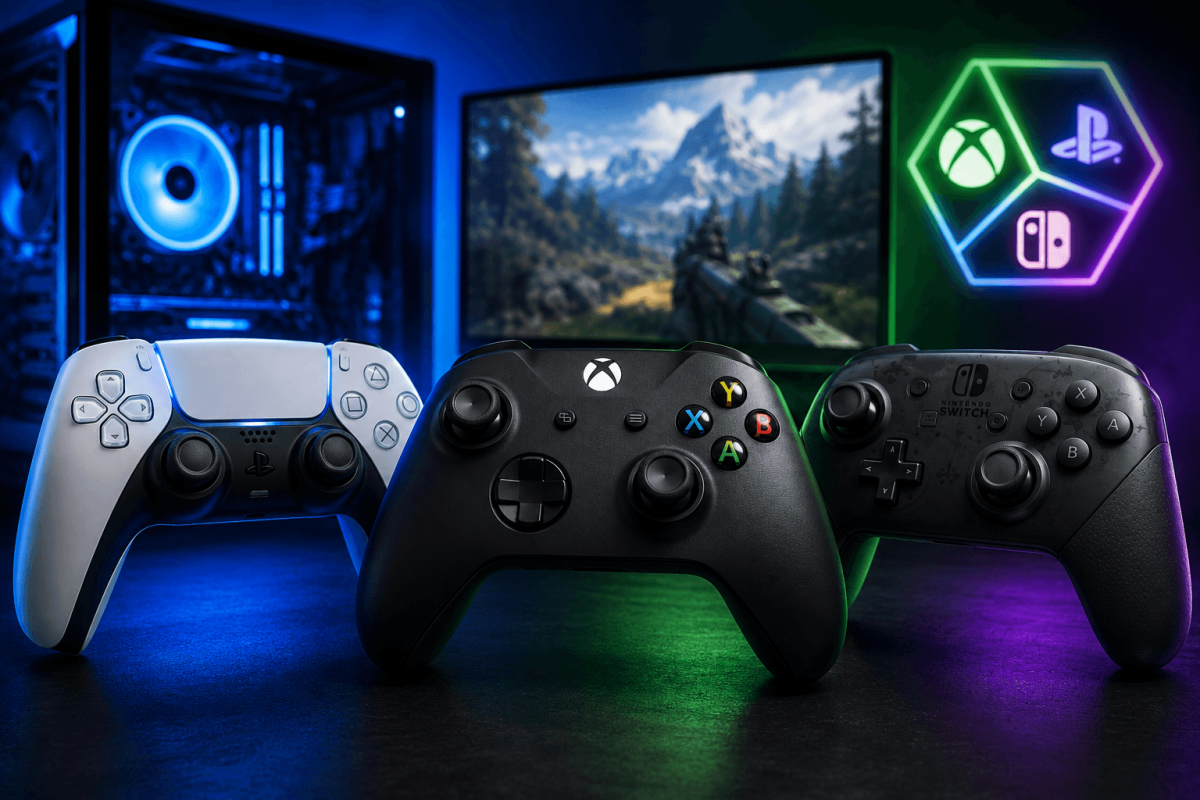
Most modern PC games support controllers natively. Here's how to connect Xbox, PS5 DualSense, and Switch Pro controllers to your PC.
🎮 Xbox Controller (Easiest)
- Wired: Plug USB cable in. Done. Windows recognizes it instantly.
- Wireless: Hold Xbox button → Settings → Bluetooth → pair. Or use Xbox Wireless Adapter.
🎮 PS5 DualSense
- Wired: USB-C cable. Steam auto-detects. Enable PlayStation Controller Support in Steam Settings → Controller.
- Bluetooth: Hold Share + PS button until light flashes → pair via Windows Bluetooth.
🎮 Switch Pro
- Wired: USB-C cable. Enable Switch Pro Controller Support in Steam Settings → Controller.
- Bluetooth: Hold sync button → pair via Windows Bluetooth.
📖 More Tutorials
Bookmark Guide
Bookmark this page and check back regularly. We update our guides to keep them accurate and up to date.