

دليل
كيفية استخدام يد التحكم على ألعاب الكمبيوتر — Xbox وPS5 وSwitch Pro (2026)
حول هذا الدليل
Learn how to connect Xbox, PS5 DualSense, and Switch Pro controllers to PC for gaming. Step-by-step guide for wired and wireless setup, plus tips for Steam and Windows.
1 دقيقة قراءةReading time
مبتدئDifficulty
محدّثAug 13, 2026
العب ألعاب الكمبيوتر باستخدام يد التحكم
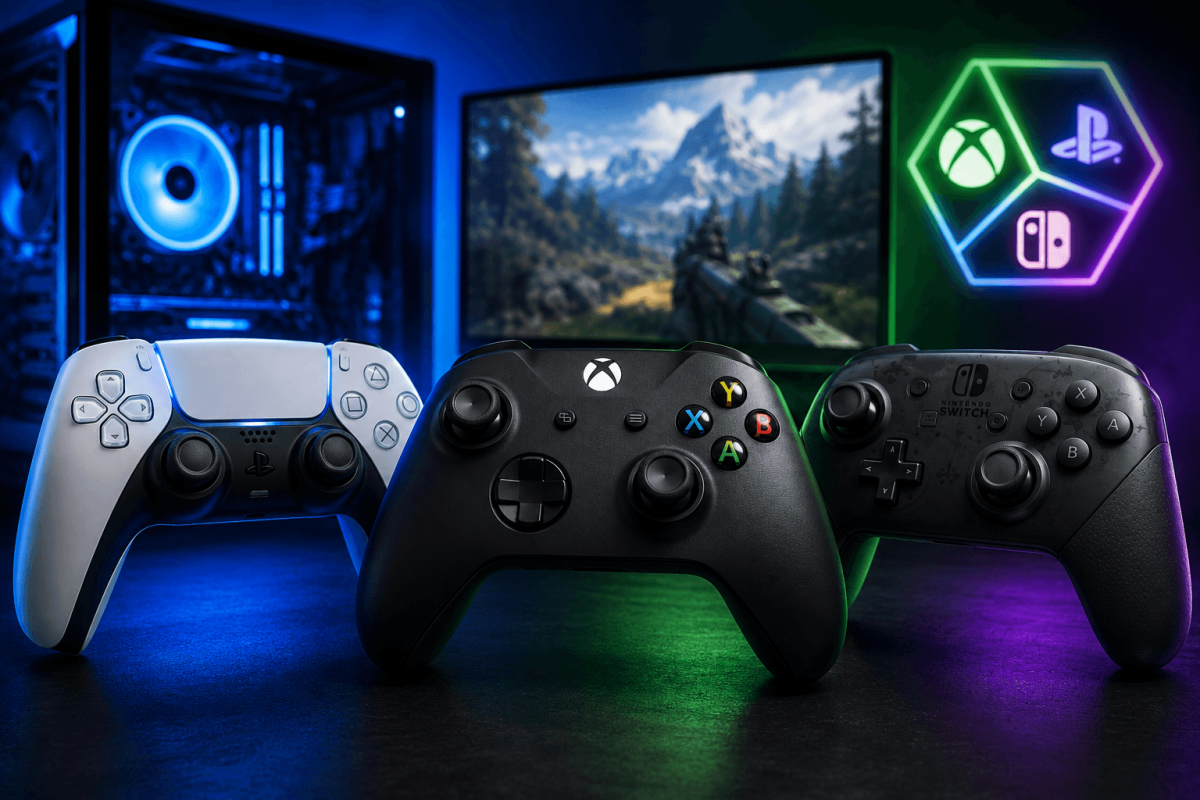
معظم ألعاب الكمبيوتر الحديثة تدعم أيدي التحكم بشكل مباشر. إليك كيفية توصيل أيدي تحكم Xbox وPS5 DualSense وSwitch Pro بجهاز الكمبيوتر الخاص بك.
🎮 يد تحكم Xbox (الأسهل)
- سلكي: قم بتوصيل كابل USB. انتهى الأمر. نظام Windows يتعرف عليها فورًا.
- لاسلكي: اضغط مع الاستمرار على زر Xbox → الإعدادات → Bluetooth → قم بالإقران. أو استخدم محول Xbox اللاسلكي.
🎮 PS5 DualSense
- سلكي: كابل USB-C. Steam يكتشفها تلقائيًا. فعّل دعم يد تحكم PlayStation في إعدادات Steam → يد التحكم.
- Bluetooth: اضغط مع الاستمرار على زر Share + زر PS حتى يومض الضوء → قم بالإقران عبر Bluetooth في Windows.
🎮 Switch Pro
- سلكي: كابل USB-C. فعّل دعم يد تحكم Switch Pro في إعدادات Steam → يد التحكم.
- Bluetooth: اضغط مع الاستمرار على زر المزامنة → قم بالإقران عبر Bluetooth في Windows.
📖 المزيد من الشروحات
حفظ الدليل
احفظ هذه الصفحة وتحقق منها بانتظام. نقوم بتحديث أدلتنا باستمرار.