

GUIDE
Comment Utiliser une Manette sur PC — Xbox, PS5 & Switch Pro (2026)
À propos
Learn how to connect Xbox, PS5 DualSense, and Switch Pro controllers to PC for gaming. Step-by-step guide for wired and wireless setup, plus tips for Steam and Windows.
1 min de lectureReading time
DébutantDifficulty
Mis à jourAug 13, 2026
Jouer à des Jeux PC avec une Manette
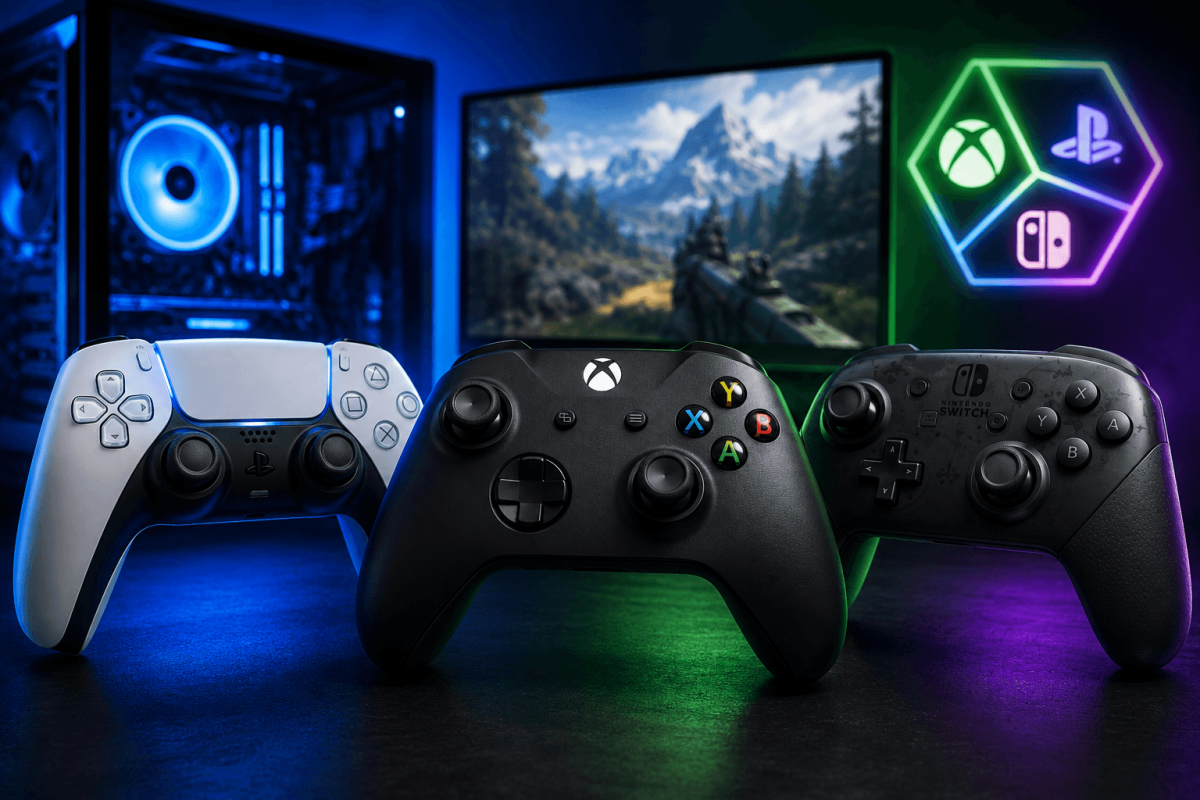
La plupart des jeux PC modernes prennent en charge les manettes nativement. Voici comment connecter les manettes Xbox, PS5 DualSense et Switch Pro à votre PC.
🎮 Manette Xbox (La plus simple)
- Filaire : Branchez le câble USB. C'est tout. Windows la reconnaît instantanément.
- Sans fil : Maintenez le bouton Xbox → Paramètres → Bluetooth → appairez. Ou utilisez l'adaptateur sans fil Xbox.
🎮 PS5 DualSense
- Filaire : Câble USB-C. Steam la détecte automatiquement. Activez le support de la manette PlayStation dans Paramètres Steam → Manette.
- Bluetooth : Maintenez Share + bouton PS jusqu'à ce que la lumière clignote → appairez via Bluetooth Windows.
🎮 Switch Pro
- Filaire : Câble USB-C. Activez le support de la manette Switch Pro dans Paramètres Steam → Manette.
- Bluetooth : Maintenez le bouton de synchronisation → appairez via Bluetooth Windows.
📖 Plus de Tutoriels
Enregistrer
Ajoutez cette page aux favoris. Nous mettons régulièrement à jour nos guides.