

GUIDE
How to Check Your PC Specs — Can My PC Run This Game? (2026)
About this guide
Learn how to check your PC specs on Windows and compare them to game requirements. Find out if your CPU and GPU can run the latest games in 2026.
1 min readReading time
BeginnerDifficulty
UpdatedAug 13, 2026
Know Your Hardware
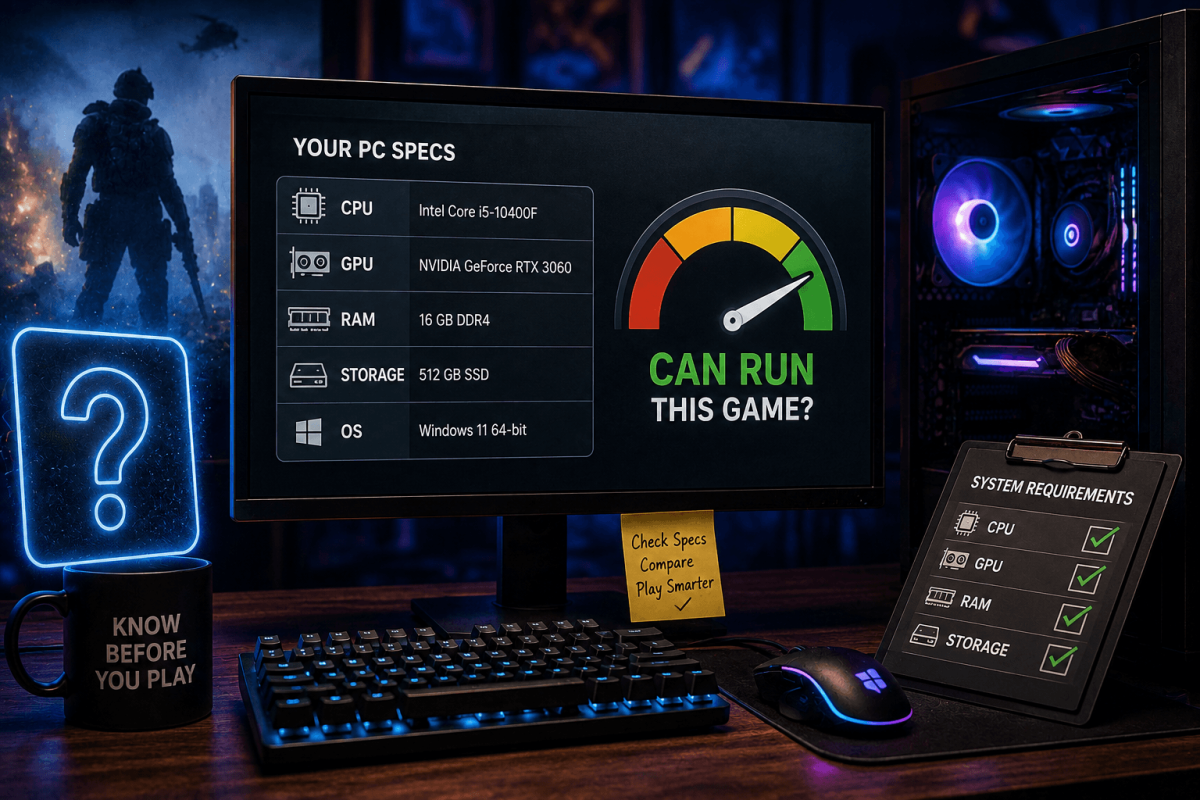
Before buying a game, check if your PC can actually run it. Here's how to find your specs and compare them to game requirements.
🖥️ Find Your Specs (Windows)
- Press Win+R → type dxdiag → press Enter
- System tab: CPU (Processor), RAM (Memory)
- Display tab: GPU (Graphics Card), VRAM
- Alternatively: Right-click Start → System → shows CPU, RAM, Windows version
📊 What to Compare
- CPU — must meet or exceed game's minimum/recommended processor
- GPU — most important for gaming. Check against the game's requirements on Steam
- RAM — 16GB is the standard for modern gaming. 8GB is the absolute minimum.
- Storage — SSD is strongly recommended for modern games (faster load times)
📖 More Tutorials
Bookmark Guide
Bookmark this page and check back regularly. We update our guides to keep them accurate and up to date.