

GUIDE
How to Reduce Ping & Lag in Online Games — 10 Tips (2026)
About this guide
High ping ruining your game? Discover 10 proven ways to lower ping and fix lag in CS2, Fortnite, Valorant & more. Boost your connection now!
1 min readReading time
BeginnerDifficulty
UpdatedAug 13, 2026
Fix Lag for Good
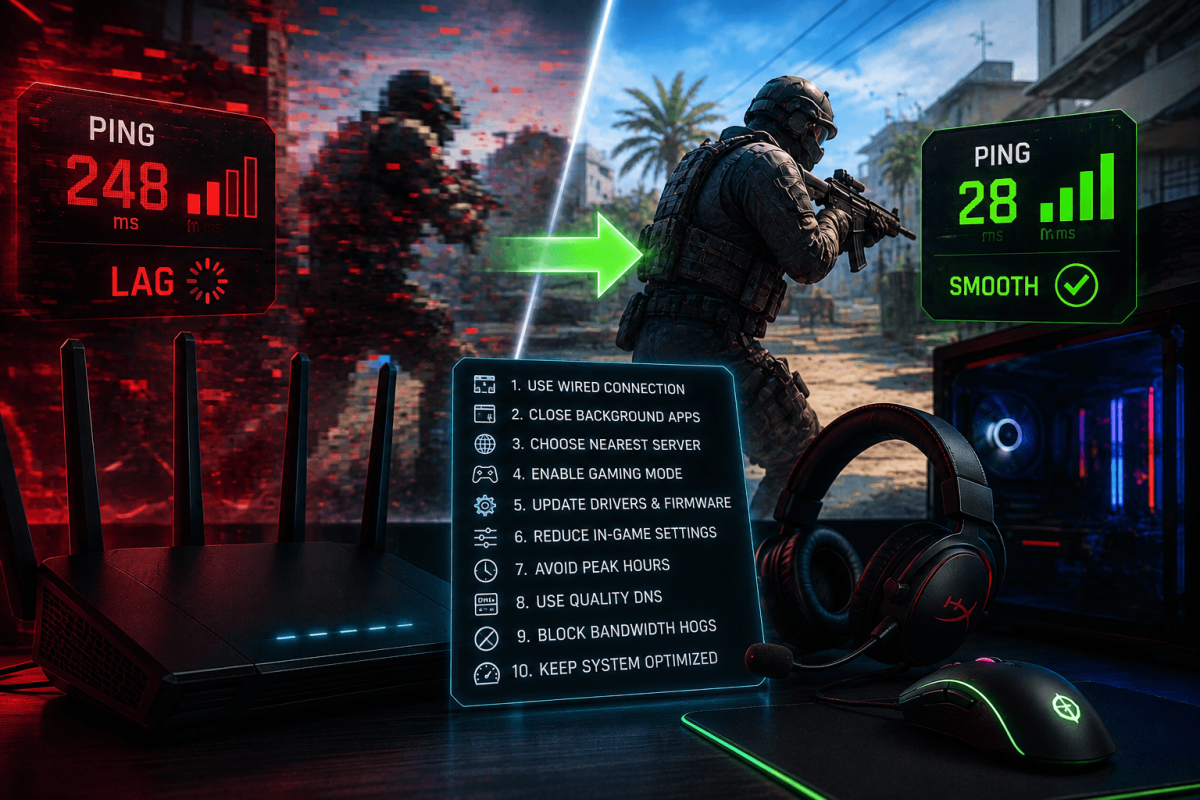
High ping ruins online gaming. Whether you're playing CS2, Fortnite, Valorant or any multiplayer game, lower ping = better gameplay. Here are 10 proven ways to reduce lag.
📡 10 Tips
- Use Ethernet, not WiFi — a wired connection is always faster and more stable
- Close background apps — Discord streaming, Chrome with 50 tabs, Windows updates all eat bandwidth
- Choose the closest server — most games let you select your region. Always pick the nearest one.
- Restart your router — clears cached connections. Do this weekly.
- Disable VPN while gaming — VPNs add latency. Turn off during competitive play.
- Set game to High Priority — Task Manager → game process → right-click → Set Priority → High
- Update network drivers — outdated drivers cause packet loss
- Use Google DNS — change DNS to 8.8.8.8 / 8.8.4.4 in network settings
- Disable Nagle's Algorithm — reduces micro-delays in TCP connections (advanced)
- Upgrade your internet plan — if nothing else works, faster internet with lower latency is the final answer
📖 More Tutorials
Bookmark Guide
Bookmark this page and check back regularly. We update our guides to keep them accurate and up to date.