

GUIDE
Comment réduire le ping et la latence dans les jeux en ligne — 10 astuces (2026)
À propos
High ping ruining your game? Discover 10 proven ways to lower ping and fix lag in CS2, Fortnite, Valorant & more. Boost your connection now!
2 min de lectureReading time
DébutantDifficulty
Mis à jourAug 13, 2026
Réglez la latence pour de bon
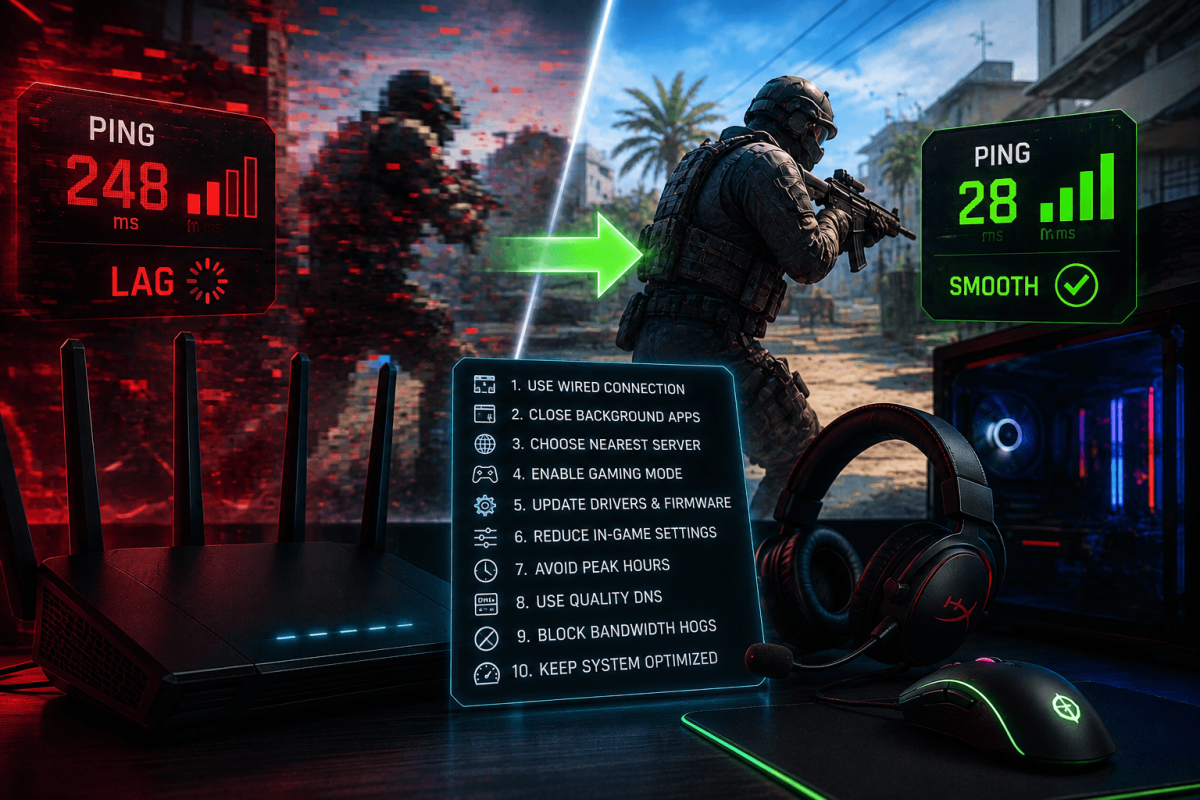
Un ping élevé ruine le jeu en ligne. Que vous jouiez à CS2, Fortnite, Valorant ou à tout autre jeu multijoueur, un ping plus bas = un meilleur gameplay. Voici 10 méthodes éprouvées pour réduire la latence.
📡 10 astuces
- Utilisez Ethernet, pas le WiFi — une connexion filaire est toujours plus rapide et plus stable
- Fermez les applications en arrière-plan — le streaming Discord, Chrome avec 50 onglets, les mises à jour Windows, tout ça bouffe de la bande passante
- Choisissez le serveur le plus proche — la plupart des jeux vous permettent de sélectionner votre région. Choisissez toujours le plus proche.
- Redémarrez votre routeur — cela efface les connexions en cache. Faites-le chaque semaine.
- Désactivez le VPN pendant le jeu — les VPN ajoutent de la latence. Éteignez-le pendant les parties compétitives.
- Mettez le jeu en priorité haute — Gestionnaire des tâches → processus du jeu → clic droit → Définir la priorité → Haute
- Mettez à jour les pilotes réseau — des pilotes obsolètes provoquent des pertes de paquets
- Utilisez Google DNS — changez le DNS en 8.8.8.8 / 8.8.4.4 dans les paramètres réseau
- Désactivez l'algorithme de Nagle — réduit les micro-délais dans les connexions TCP (avancé)
- Améliorez votre forfait internet — si rien d'autre ne fonctionne, un internet plus rapide avec une latence plus faible est la solution finale
📖 Plus de tutoriels
Enregistrer
Ajoutez cette page aux favoris. Nous mettons régulièrement à jour nos guides.