

GUIDE
How to Take & Find Steam Screenshots — Hotkey, Folder & Settings (2026)
About this guide
Learn how to take Steam screenshots with F12, find the screenshot folder, and change hotkey settings. Perfect for gamers capturing epic moments.
1 min readReading time
BeginnerDifficulty
UpdatedAug 13, 2026
Capture Your Best Gaming Moments
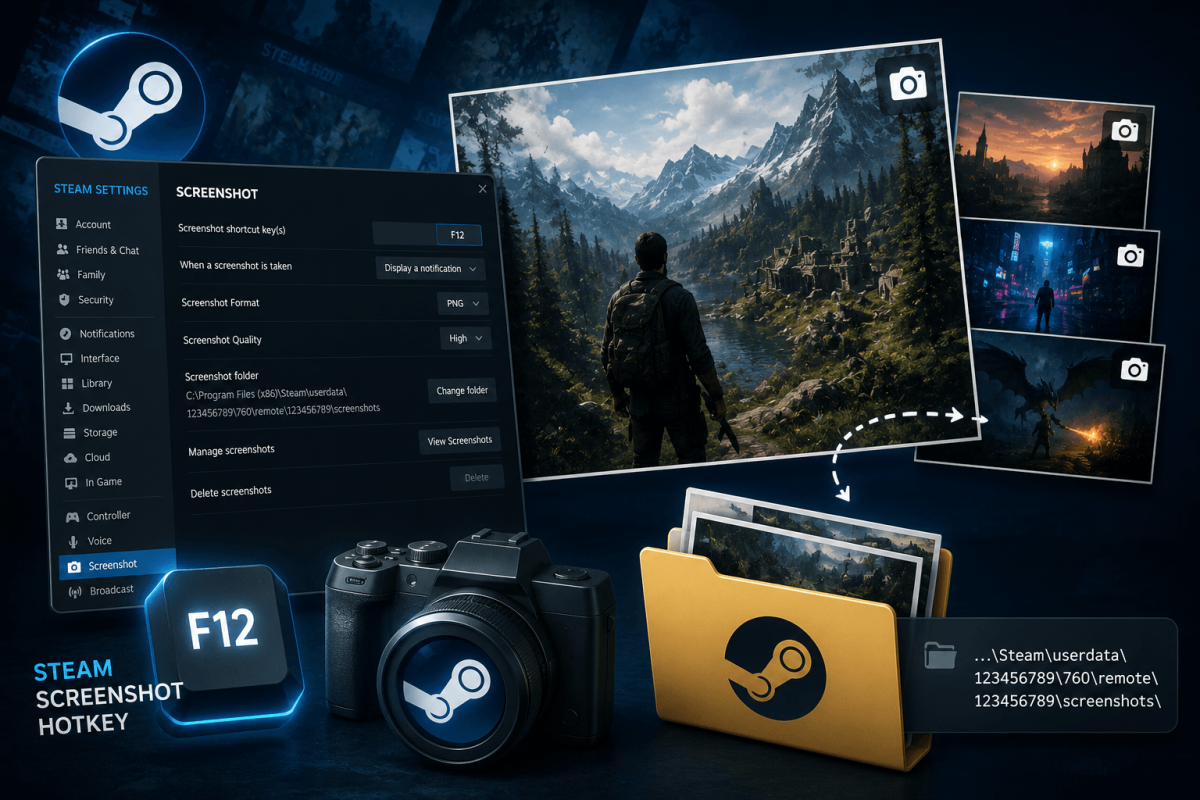
BEST METHODSteam has a built-in screenshot tool. Press F12 during any game to take a screenshot. But finding those screenshots afterward confuses everyone.
📸 Take a Screenshot
Press F12 during gameplay. A small notification appears confirming the capture.
📁 Find Your Screenshots
- In Steam: View → Screenshots → select the game → click "Show on Disk"
- Default folder:
Steam/userdata/[YourID]/760/remote/[GameID]/screenshots/ - Change the hotkey: Steam → Settings → In-Game → Screenshot Shortcut Key
📖 More Tutorials
Bookmark Guide
Bookmark this page and check back regularly. We update our guides to keep them accurate and up to date.