

GUIDE
Comment prendre et trouver des captures d'écran Steam — Raccourci, dossier et paramètres (2026)
À propos
Learn how to take Steam screenshots with F12, find the screenshot folder, and change hotkey settings. Perfect for gamers capturing epic moments.
1 min de lectureReading time
DébutantDifficulty
Mis à jourAug 13, 2026
Capturez vos meilleurs moments de jeu
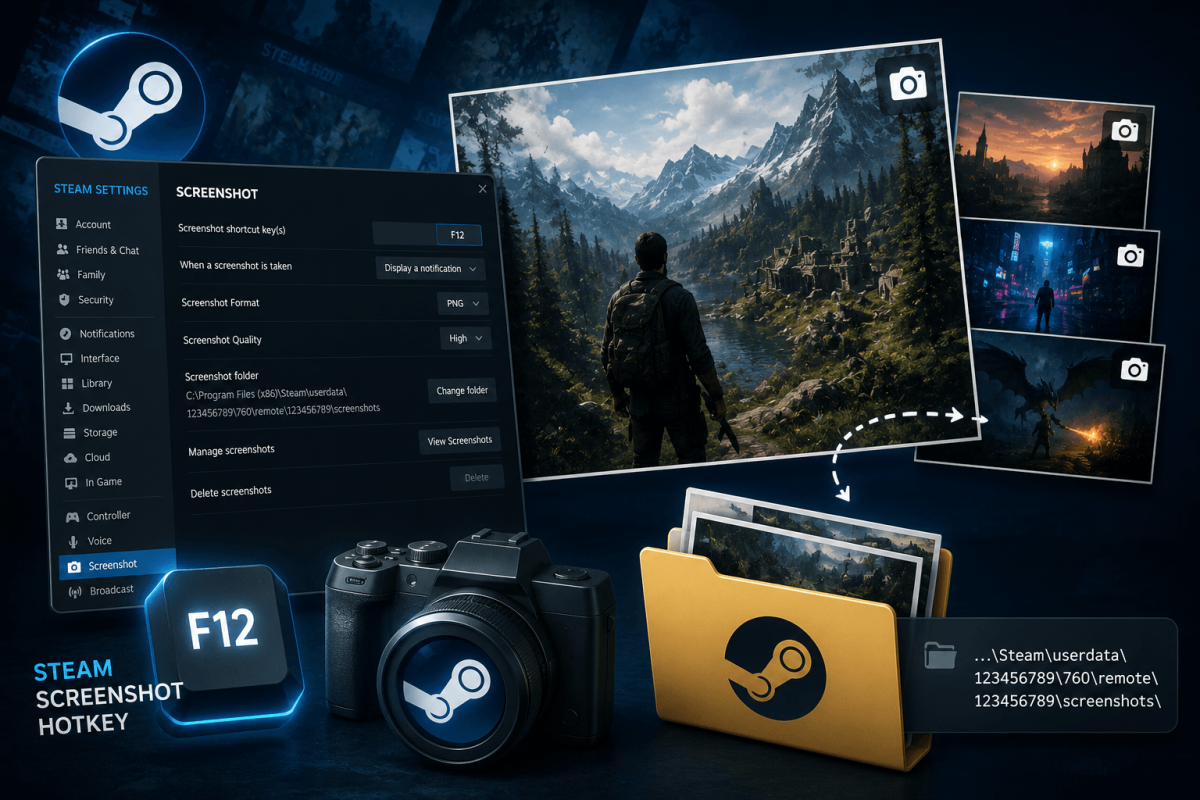
Steam dispose d'un outil de capture d'écran intégré. Appuyez sur F12 pendant n'importe quel jeu pour prendre une capture d'écran. Mais trouver ces captures par la suite déroute tout le monde.
📸 Prendre une capture d'écran
Appuyez sur F12 pendant le jeu. Une petite notification apparaît pour confirmer la capture.
📁 Trouver vos captures d'écran
- Dans Steam : Affichage → Captures d'écran → sélectionnez le jeu → cliquez sur "Afficher sur le disque"
- Dossier par défaut : Steam/userdata/[VotreID]/760/remote/[GameID]/screenshots/
- Changer le raccourci : Steam → Paramètres → En jeu → Touche de raccourci des captures d'écran
📖 Plus de tutoriels
Enregistrer
Ajoutez cette page aux favoris. Nous mettons régulièrement à jour nos guides.