

GUIDE
How to Play PSP Games on PC — PPSSPP Emulator Guide (2026)
About this guide
Learn how to play PSP games on PC with PPSSPP. Boost resolution, use save states, and enjoy full controller support. Step-by-step setup guide for 2026.
2 min readReading time
BeginnerDifficulty
UpdatedAug 13, 2026
Your PSP Library on PC — Better Than the Original
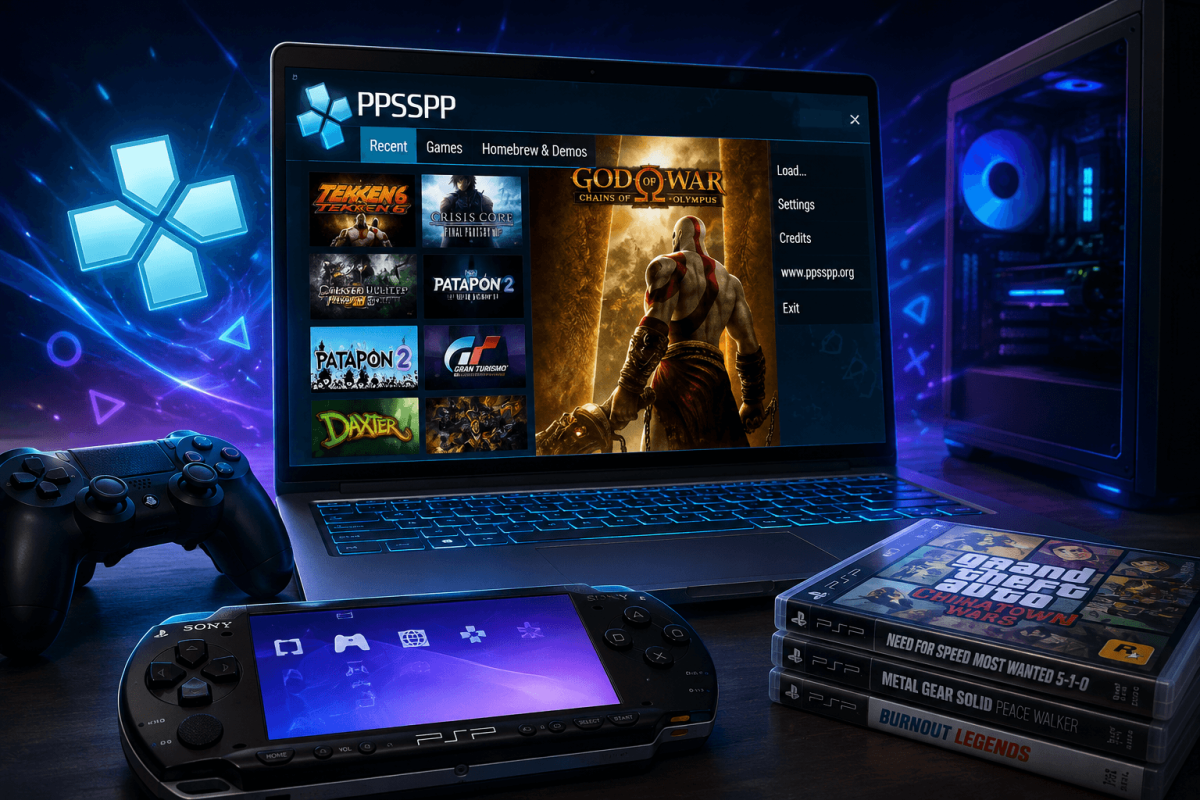
The PlayStation Portable had an incredible library — God of War, GTA, Monster Hunter, Final Fantasy, Persona. Thanks to PPSSPP, you can play every PSP game on your PC at higher resolution, with save states, and controller support. PPSSPP is the gold standard of emulation — fast, accurate, and completely free.
📥 Step 1 — Download PPSSPP
- Go to the official site: ppsspp.org
- Download the Windows version (64-bit recommended)
- Extract the ZIP anywhere — PPSSPP is portable, no installation needed
- Run PPSSPPWindows64.exe
PPSSPP is also available on Android (Google Play), iOS, macOS, and Linux.
🎮 Step 2 — Get PSP Game Files (ISOs)
You need PSP game files in ISO or CSO format. You can create these by dumping your own UMD discs using a PSP with custom firmware. Place the ISO files in a folder on your PC (e.g., D:PSP Games).
⚙️ Step 3 — Optimal Settings
- Rendering Backend: Vulkan (fastest) or OpenGL (most compatible)
- Rendering Resolution: 5x PSP (2560x1440) for sharp visuals — or higher if your GPU handles it
- Frameskip: Off (unless you have a weak PC)
- Texture Filtering: Auto or Anisotropic 16x
- Hack Settings → Lower Resolution for Effects: Enable if particles cause slowdown
🏆 Best PSP Games to Play
BEST METHOD- ⚔️ God of War: Chains of Olympus / Ghost of Sparta — action-adventure masterpieces
- 🏙️ GTA: Vice City Stories / Liberty City Stories — full GTA games on the go (now on your PC at 4K)
- 🐉 Monster Hunter Freedom Unite — hundreds of hours of hunting
- 🎭 Persona 3 Portable — one of the best JRPGs ever made
- ⚽ FIFA / PES series — classic portable football
- 🗡️ Final Fantasy: Crisis Core — prequel to FF7
💡 Pro Tips
- Save states — press F2 to save, F4 to load. Save anywhere, anytime.
- Fast forward — hold Tab to speed through cutscenes or grinding at 3-6x speed.
- Controller — plug in any Xbox/PS controller. PPSSPP detects it automatically. See our Controller Setup Guide.
- Cheats — PPSSPP supports CWCheat codes. Download cheat databases from PPSSPP Forums.
📖 More Emulation Guides
Bookmark Guide
Bookmark this page and check back regularly. We update our guides to keep them accurate and up to date.