

Comment Jouer aux Jeux PSP sur PC — Guide de l'Émulateur PPSSPP (2026)
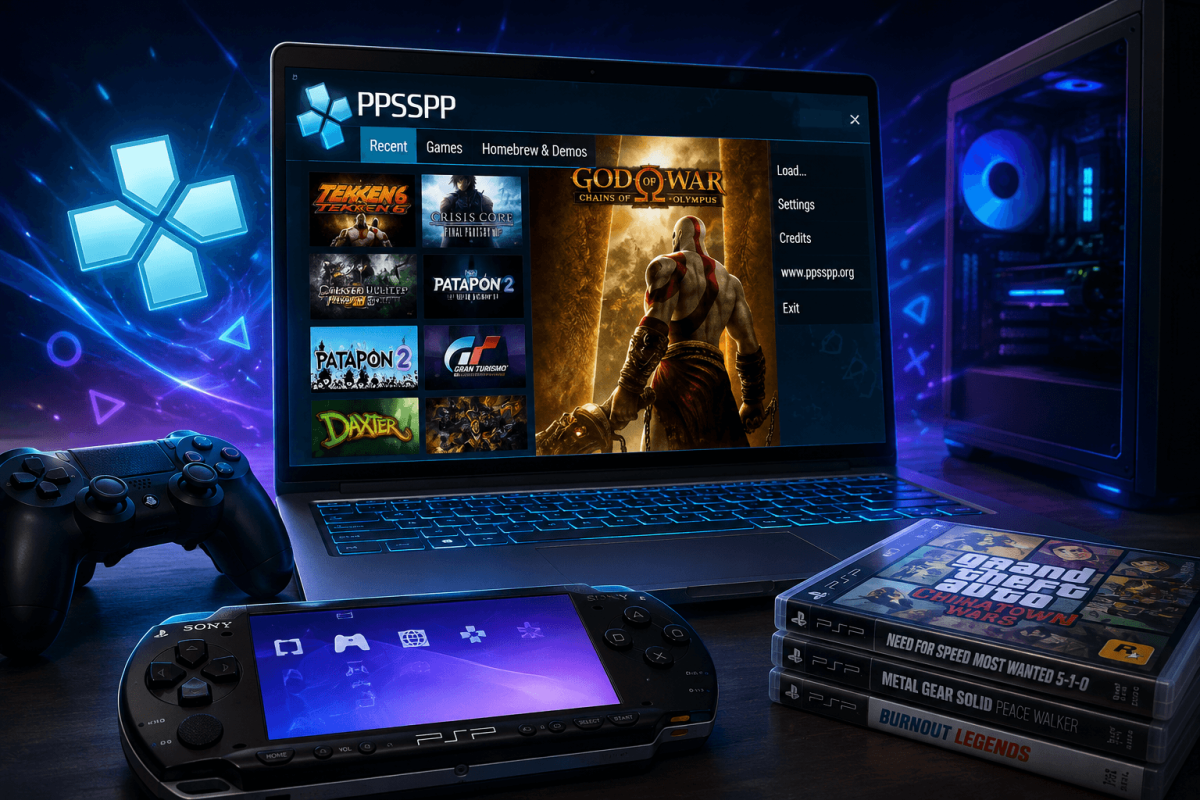
Learn how to play PSP games on PC with PPSSPP. Boost resolution, use save states, and enjoy full controller support. Step-by-step setup guide for 2026.
Votre Bibliothèque PSP sur PC — Mieux que l'Original
La PlayStation Portable avait une bibliothèque incroyable — God of War, GTA, Monster Hunter, Final Fantasy, Persona. Grâce à PPSSPP, vous pouvez jouer à tous les jeux PSP sur votre PC en plus haute résolution, avec des états de sauvegarde et le support des manettes. PPSSPP est la référence en matière d'émulation — rapide, précis et totalement gratuit.
📌 PS2 sur PC | PS3 sur PC | Boost FPS
📥 Étape 1 — Télécharger PPSSPP
- Allez sur le site officiel : ppsspp.org
- Téléchargez la version Windows (64-bit recommandée)
- Extrayez le ZIP n'importe où — PPSSPP est portable, aucune installation nécessaire
- Lancez PPSSPPWindows64.exe
PPSSPP est aussi disponible sur Android (Google Play), iOS, macOS et Linux.
🎮 Étape 2 — Obtenir les Fichiers de Jeux PSP (ISOs)
Vous avez besoin de fichiers de jeux PSP au format ISO ou CSO. Vous pouvez les créer en extrayant vos propres disques UMD avec une PSP dotée d'un firmware personnalisé. Placez les fichiers ISO dans un dossier sur votre PC (par exemple, D:PSP Games).
⚙️ Étape 3 — Paramètres Optimaux
- Backend de rendu : Vulkan (le plus rapide) ou OpenGL (le plus compatible)
- Résolution de rendu : 5x PSP (2560x1440) pour des visuels nets — ou plus si votre GPU le permet
- Saut de frames : Désactivé (sauf si votre PC est faible)
- Filtrage de textures : Auto ou Anisotropique 16x
- Paramètres de hack → Résolution réduite pour les effets : Activez si les particules causent des ralentissements
🏆 Meilleurs Jeux PSP à Jouer
- ⚔️ God of War: Chains of Olympus / Ghost of Sparta — des chefs-d'œuvre d'action-aventure
- 🏙️ GTA: Vice City Stories / Liberty City Stories — des jeux GTA complets en déplacement (maintenant sur votre PC en 4K)
- 🐉 Monster Hunter Freedom Unite — des centaines d'heures de chasse
- 🎭 Persona 3 Portable — l'un des meilleurs JRPG jamais créés
- ⚽ Série FIFA / PES — football portable classique
- 🗡️ Final Fantasy: Crisis Core — préquelle de FF7
💡 Astuces de Pro
- États de sauvegarde — appuyez sur F2 pour sauvegarder, F4 pour charger. Sauvegardez n'importe où, n'importe quand.
- Avance rapide — maintenez Tab pour accélérer les cinématiques ou le farming à 3-6x la vitesse.
- Manette — branchez n'importe quelle manette Xbox/PS. PPSSPP la détecte automatiquement. Voir notre Guide de Configuration de Manette.
- Cheats — PPSSPP supporte les codes CWCheat. Téléchargez des bases de données de cheats depuis les Forums PPSSPP.