

📚 Tutorials
July 3, 2026
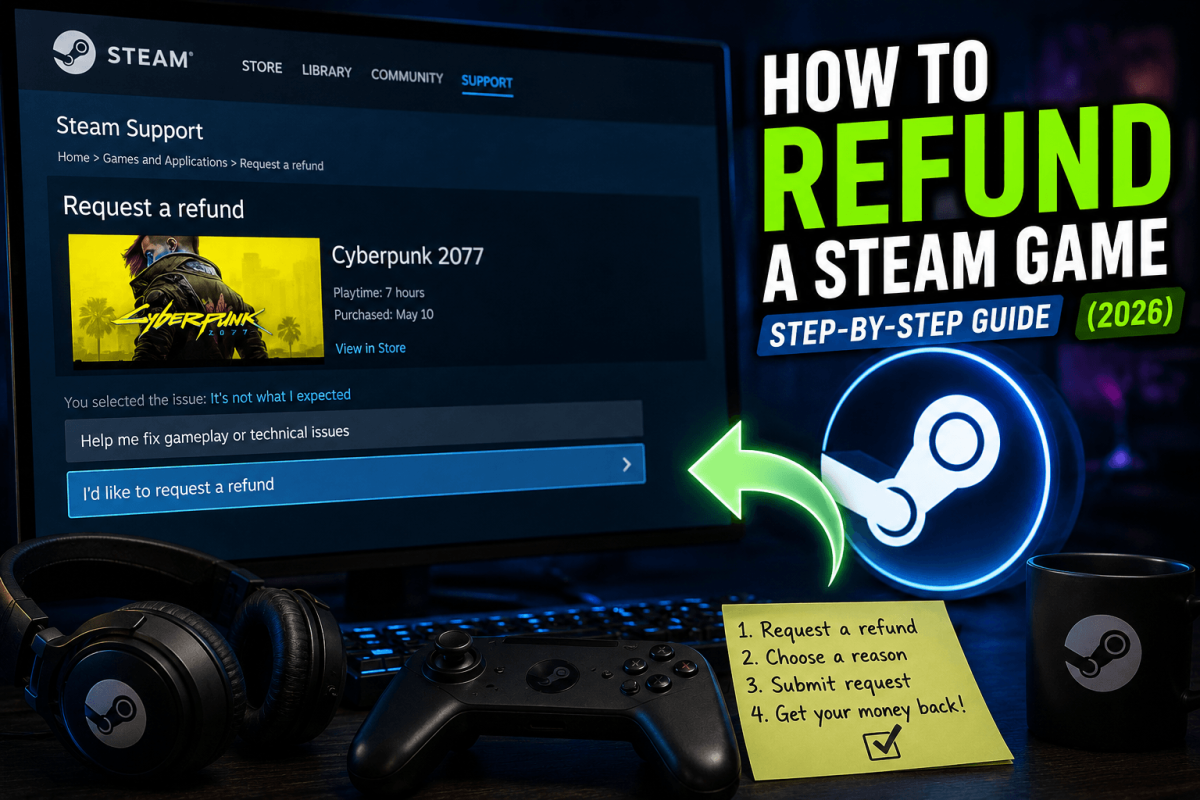
How to Refund a Steam Game — Step-by-Step Guide (2026)
Get Your Money Back
Steam's refund policy is simple: under 2 hours of playtime and within 14 days of purchase = automatic refund. Outside those limits, you can still request one — Valve reviews manually. Here's exactly how.
📋 Refund Requirements
- ✅ Under 2 hours of total playtime
- ✅ Within 14 days of purchase date
- ✅ If both conditions are met, the refund is automatic
- ⚠️ Outside these limits, refunds are at Valve's discretion (they sometimes approve anyway)
📱 How to Request a Refund
- Go to: help.steampowered.com
- Log in → click "Purchases"
- Select the game you want to refund
- Click "I would like a refund"
- Choose reason (performance issues, not as expected, accidental purchase, etc.)
- Choose refund method: Steam Wallet (instant) or Original payment method (3-7 business days)
- Submit the request
💡 Steam Wallet refunds are processed within hours. Credit card/PayPal refunds take 3-7 business days.