

📚 Tutorials
July 12, 2026
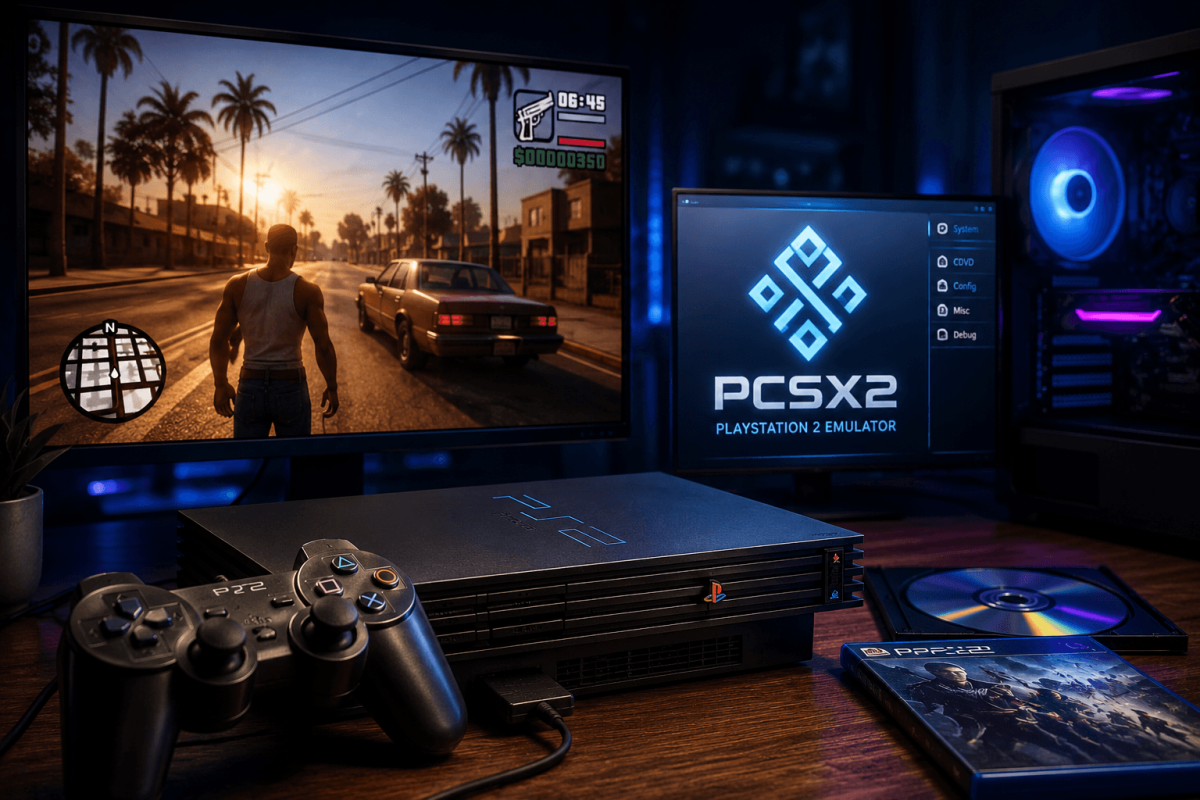
How to Play PS2 Games on PC — PCSX2 Emulator Guide (2026)
The PS2 Golden Age — Now on Your PC
The PlayStation 2 is the best-selling console of all time (155 million units). Its library — GTA San Andreas, God of War, Shadow of the Colossus, Kingdom Hearts, Metal Gear Solid — is legendary. PCSX2 lets you play the entire PS2 library on PC at up to 4K resolution with 60 FPS patches.
📌 PSP on PC | PS3 on PC | PS4 on PC
📥 Step 1 — Download PCSX2
- Go to: pcsx2.net
- Download the latest Nightly build (recommended over Stable for best compatibility)
- Extract and run — no installation required
PCSX2 requires a PS2 BIOS file to run. You can dump this from your own PS2 console using tools like PCSX2's official BIOS dumping guide.
⚙️ Step 2 — Best Settings
- Renderer: Vulkan (best performance on modern GPUs) or OpenGL
- Internal Resolution: 3x Native (1080p) or 4x (1440p) or 6x (4K) depending on GPU power
- Texture Filtering: Bilinear (Forced)
- Anti-Aliasing: Off (upscaling already smooths edges)
- Enable Widescreen Patches: Settings → Game Properties → enable for 16:9 on games that were 4:3
🏆 Best PS2 Games to Play on PCSX2
- 🏜️ GTA San Andreas — the definitive version at 4K is stunning (GTA SA Cheats)
- ⚔️ God of War 1 & 2 — action-adventure at 60 FPS with patches
- 🌑 Shadow of the Colossus — breathtaking at high resolution
- 🗡️ Final Fantasy X / XII — JRPGs that benefit enormously from upscaling
- 🐍 Metal Gear Solid 2 & 3 — stealth classics
- 🏎️ Gran Turismo 4 — racing at 4K 60 FPS
- 💀 Bully — Rockstar's underrated gem (Bully Cheats)
💡 PCSX2 Tips
- Save states: F1 to save, F3 to load — save anywhere at any time
- Speed hacks: Settings → Emulation → enable MTVU for multi-threaded performance boost
- Per-game settings: Right-click a game → Properties to set unique graphics/hack settings for problematic games
- 60 FPS patches: Community patches at PCSX2 Forums unlock 60 FPS on many originally 30 FPS games