

📚 Tutorials
July 9, 2026
How to Move Steam Games to Another Drive — Without Re-Downloading (2026)
Move Games Instantly
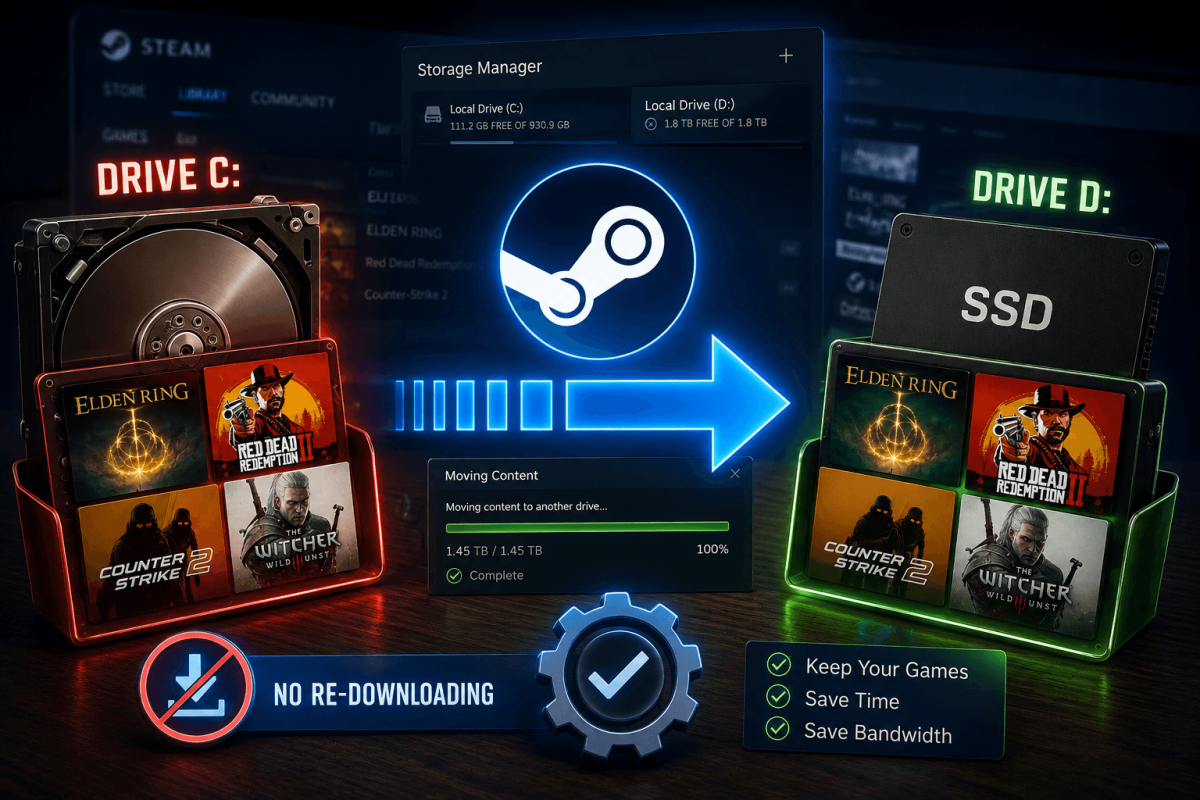
Running out of space on your C: drive? Steam lets you move installed games to another drive (SSD, HDD, external) without re-downloading.
📋 Steps
- Open Steam → Settings → Storage
- You'll see all your Steam library folders and drives
- Click "Add Drive" to add a new storage location (if needed)
- Go back to your Library → right-click the game → Properties → Installed Files
- Click "Move Install Folder"
- Select the destination drive → click Move
- Steam moves the files without re-downloading
💡 Move to SSD for faster load times. Games like GTA V, Bannerlord, and CS2 load 2-3x faster on SSD vs HDD.