

📚 دروس
July 9, 2026
كيفية نقل ألعاب Steam إلى قرص آخر — دون إعادة التحميل (2026)
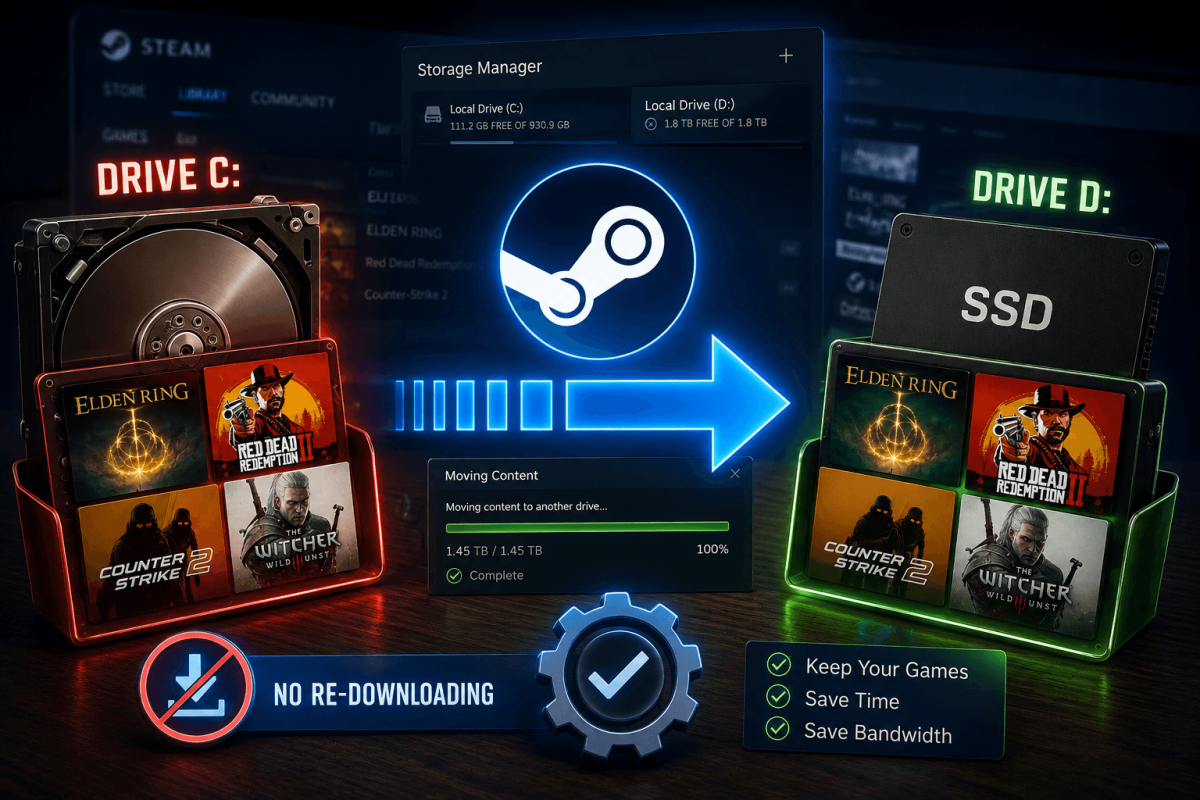
انقل ألعابك فورًا
نفدت المساحة على قرص C:؟ يتيح لك Steam نقل الألعاب المثبتة إلى قرص آخر (SSD، HDD، خارجي) دون إعادة التحميل.
📋 الخطوات
- افتح Steam ← الإعدادات ← التخزين
- سترى جميع مجلدات مكتبة Steam والأقراص لديك
- انقر على "إضافة قرص" لإضافة موقع تخزين جديد (إذا لزم الأمر)
- ارجع إلى مكتبتك ← انقر بزر الماوس الأيمن على اللعبة ← الخصائص ← الملفات المثبتة
- انقر على "نقل مجلد التثبيت"
- اختر القرص الوجهة ← انقر على نقل
- سينقل Steam الملفات دون إعادة التحميل
💡 انقل إلى SSD لأوقات تحميل أسرع. ألعاب مثل GTA V وBannerlord وCS2 تُحمَّل أسرع بـ 2-3 مرات على SSD مقارنة بـ HDD.