

📚 Tutorials
July 18, 2026
How to Play PS3 Games on PC — RPCS3 Emulator Guide (2026)
PS3 Exclusives on Your PC
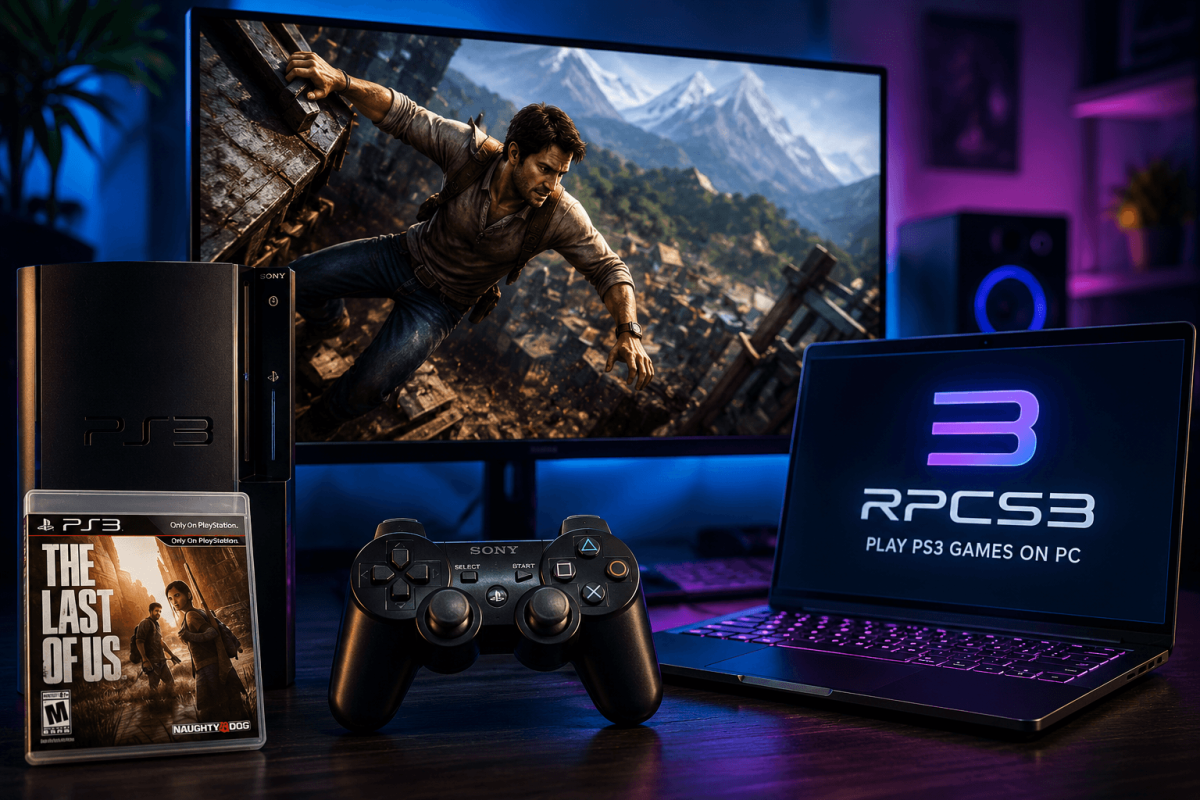
The PS3 was notoriously hard to emulate because of its unique Cell processor. But RPCS3 — after over a decade of development — now runs the majority of the PS3 library, including exclusives like The Last of Us, Demon's Souls, Red Dead Redemption and Uncharted. This guide covers setup, settings, and the best games to play.
📥 Step 1 — Download & Setup
- Go to: rpcs3.net
- Download the latest build for Windows or Linux
- Extract and run rpcs3.exe
- You need the PS3 firmware file — download it legally from Sony's official PS3 firmware page
- In RPCS3: File → Install Firmware → select the firmware file
⚙️ Step 2 — Recommended Settings
- CPU → PPU Decoder: Recompiler (LLVM) — fastest option
- CPU → SPU Decoder: Recompiler (LLVM)
- CPU → Enable SPU Loop Detection: On
- GPU → Renderer: Vulkan
- GPU → Resolution Scale: 200% (1440p) or 300% (4K) depending on GPU
- GPU → Write Color Buffers: Enable for games with rendering issues
⚠️ RPCS3 is CPU-heavy. You need a strong modern CPU (Ryzen 5 5600 / i5-12400 minimum). GPU matters less than CPU for PS3 emulation.
🏆 Best PS3 Games on RPCS3
- 🧟 The Last of Us — fully playable at 4K 30 FPS. One of the greatest games ever made.
- 👹 Demon's Souls — the original Souls game. Playable with custom servers for online play.
- 🤠 Red Dead Redemption — Rockstar's western at 4K 60 FPS with patches (RDR2 Guide)
- 🏴☠️ Uncharted 1-3 — playable with minor issues
- ⚔️ God of War 3 — runs well at high resolution
- 🎵 Persona 5 — fully playable and beautiful at 4K
- 🏎️ Gran Turismo 5 & 6 — racing at 60 FPS with patches
Check the full compatibility list at rpcs3.net/compatibility before trying a specific game.
📖 More Guides
- 🎮 PSP on PC | PS2 on PC
- 🎮 PS4 on PC | PS5 Status
- ⚡ Boost FPS