

📚 Tutoriels
July 5, 2026
Comment apparaître hors ligne sur Steam — Jouer sans que vos amis le sachent (2026)
Jouez tranquille
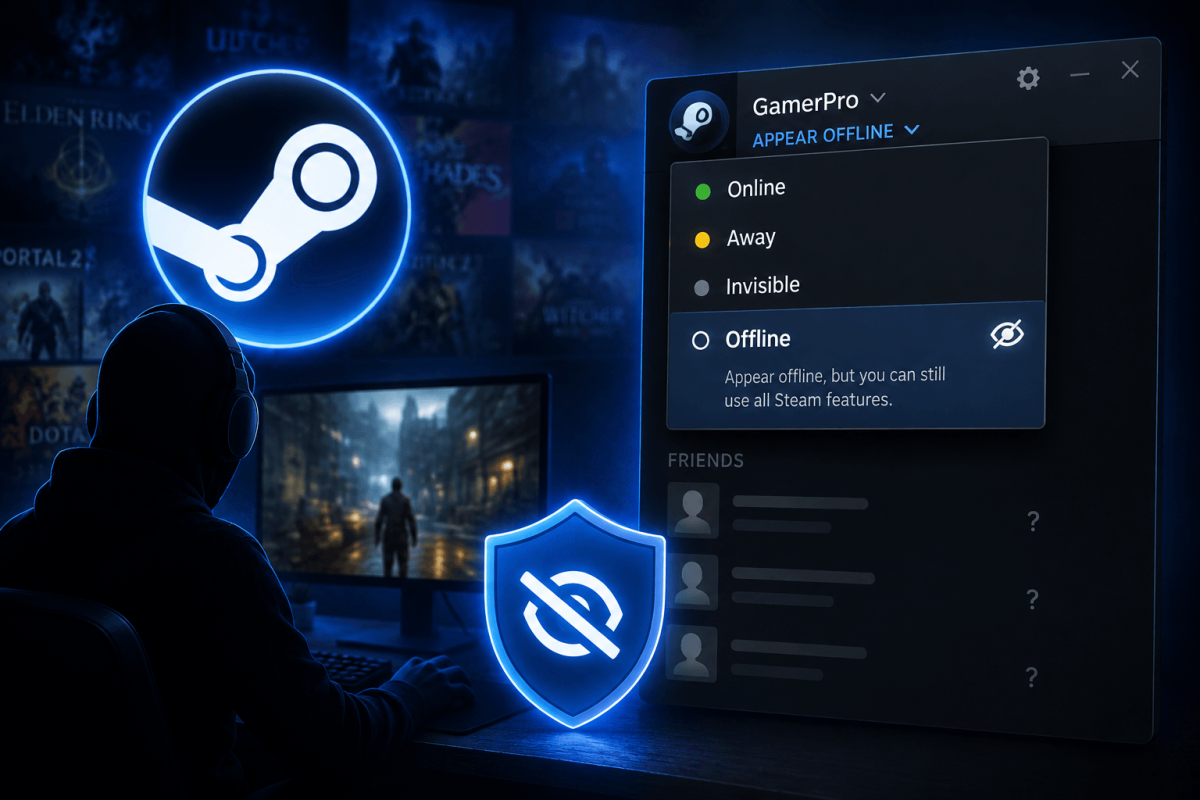
Parfois, vous voulez juste jouer sans que vos amis vous envoient des messages ou voient à quoi vous jouez. Steam vous permet de passer en mode Invisible (apparaître hors ligne tout en restant pleinement fonctionnel) ou Hors ligne (déconnexion réelle).
👻 Méthode — Passer en Invisible (Recommandé)
- Ouvrez Steam
- Cliquez sur Amis dans la barre de menu en haut
- Cliquez sur votre statut actuel (En ligne) en haut de la liste d'amis
- Sélectionnez "Invisible"
Vous pouvez toujours discuter, parcourir la boutique et jouer à des jeux — vos amis vous voient simplement comme hors ligne. Vous pouvez aussi jouer à des jeux et vos amis ne verront pas votre statut "Joue actuellement".
⚠️ Invisible vs. Hors ligne
- Invisible : Vous apparaissez hors ligne mais êtes pleinement connecté. Vous pouvez discuter, télécharger, jouer. Vos amis vous voient comme hors ligne.
- Hors ligne : Déconnexion réelle des services en ligne de Steam. Pas de discussion, pas d'interactions avec les amis.
- Invisible est presque toujours ce que vous voulez.