

📚 دروس
July 21, 2026
كيف تفحص مواصفات جهازك — هل يستطيع جهازي تشغيل هذه اللعبة؟ (2026)
اعرف أجهزتك
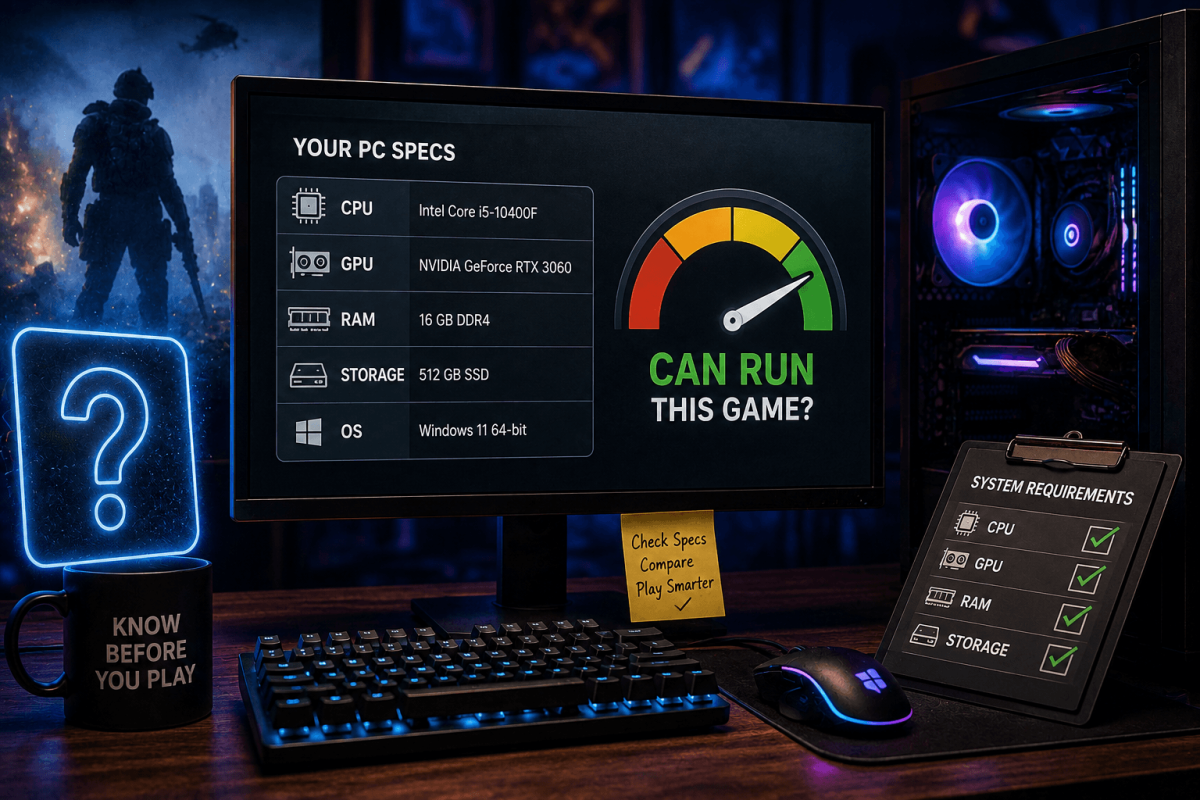
قبل شراء لعبة، تحقق مما إذا كان جهازك يستطيع تشغيلها فعلاً. إليك كيفية معرفة مواصفاتك ومقارنتها بمتطلبات اللعبة.
🖥️ ابحث عن مواصفاتك (ويندوز)
- اضغط Win+R → اكتب dxdiag → اضغط Enter
- تبويب النظام: المعالج (CPU)، الذاكرة (RAM)
- تبويب العرض: كرت الشاشة (GPU)، الذاكرة المخصصة (VRAM)
- بديل: انقر بزر الماوس الأيمن على زر ابدأ → النظام → يعرض المعالج، الذاكرة، إصدار ويندوز
📊 ما الذي تقارنه
- المعالج (CPU) — يجب أن يلبي أو يتجاوز المعالج الأدنى/الموصى به للعبة
- كرت الشاشة (GPU) — الأهم للألعاب. قارنه بمتطلبات اللعبة على Steam
- الذاكرة (RAM) — 16 جيجابايت هو المعيار للألعاب الحديثة. 8 جيجابايت هو الحد الأدنى المطلق.
- التخزين — يُنصح بشدة باستخدام SSD للألعاب الحديثة (أوقات تحميل أسرع)