

📚 Tutoriels
July 15, 2026
Comment définir les options de lancement Steam — FPS, fenêtré, console et plus (2026)
Personnalisez le lancement de vos jeux
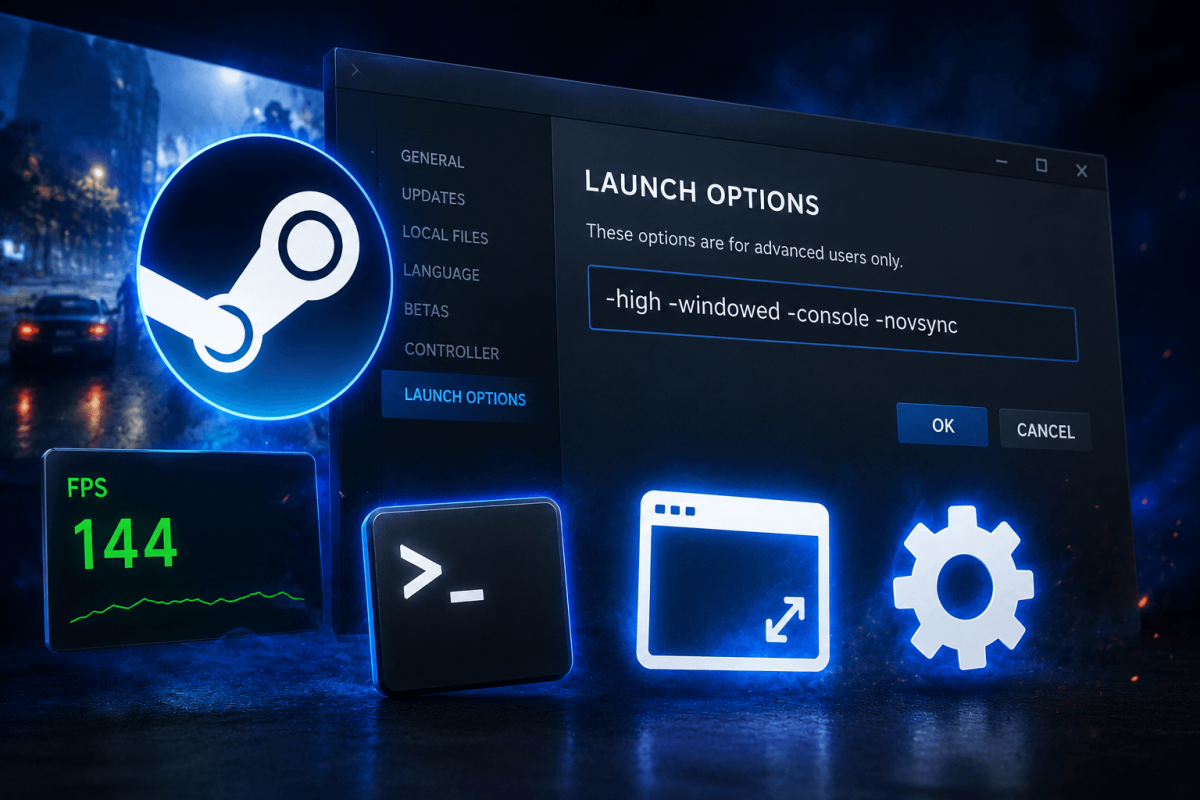
Les options de lancement Steam vous permettent de passer des paramètres en ligne de commande aux jeux avant leur démarrage. Cela est utile pour forcer le mode fenêtré, activer les consoles de développement, définir des limites de FPS et résoudre des problèmes de compatibilité.
📋 Comment définir les options de lancement
- Ouvrez Steam → Bibliothèque
- Clic droit sur le jeu → Propriétés
- Dans l'onglet Général, trouvez "Options de lancement"
- Saisissez vos paramètres et fermez